

OpenCart Order Export Guide for Store Owners
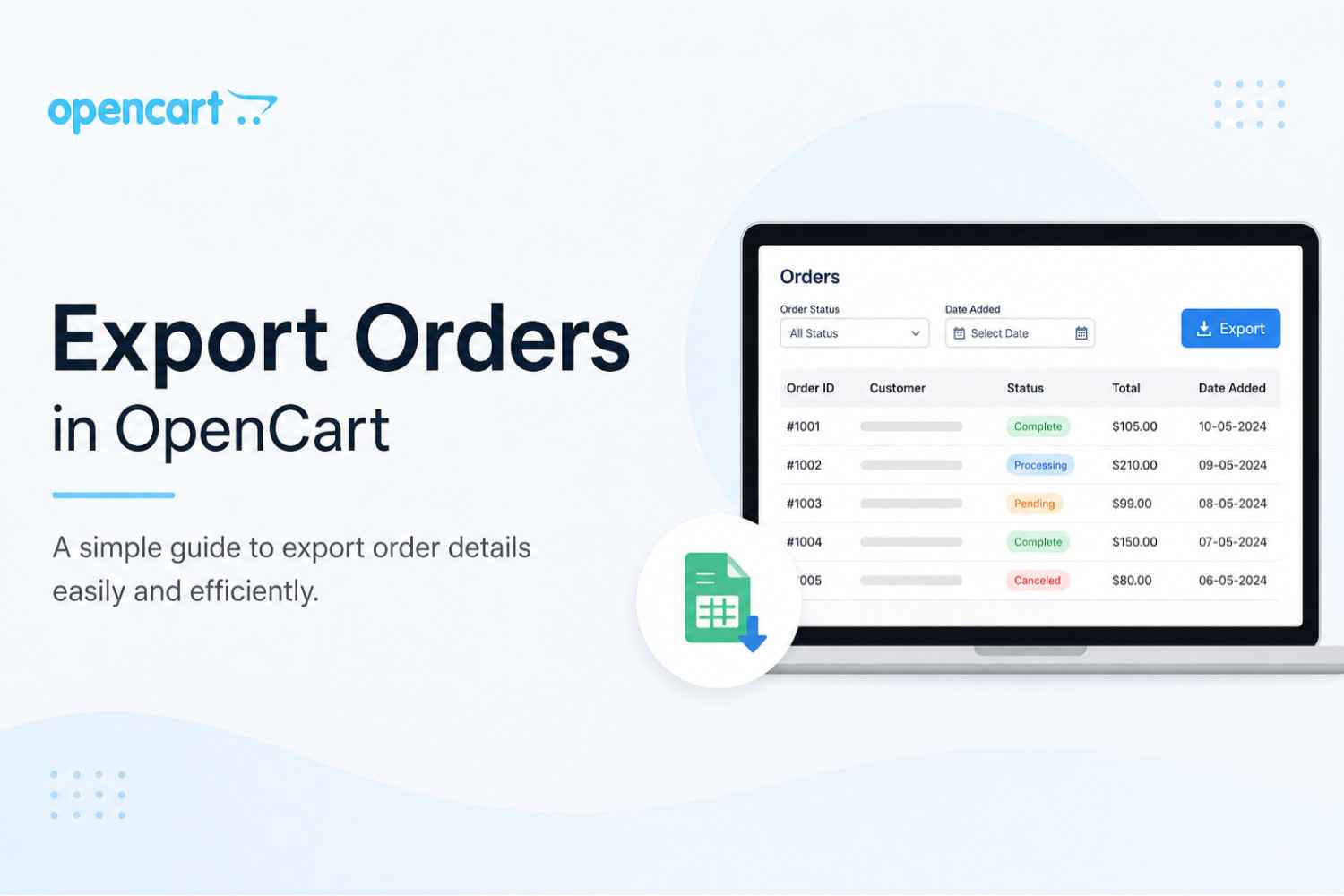
Easy Guide to Export Orders in OpenCart
Managing customer orders efficiently is one of the most important parts of running a successful eCommerce business. Store owners often need order data for accounting, reporting, shipping management, customer analysis, and business planning. Exporting order details manually can take a lot of time, especially when your store receives a large number of orders every day.
With the Export Orders feature in OpenCart, store administrators can quickly export order information directly from the admin panel in just a few clicks. This makes order management faster, easier, and more organized.
Why Exporting Orders Is Important
Opencart Order export functionality helps online store owners manage business operations more effectively. Exported order data can be used for:
- Accounting and bookkeeping
- Shipping and fulfillment management
- Customer order tracking
- Sales reporting and analysis
- Inventory planning
- Backup and record keeping
Instead of manually copying order details one by one, the export feature allows you to download all important information instantly.
How to Export Orders in OpenCart
The process of exporting orders is simple and user-friendly. Follow these easy steps:
Step 1: Go to Orders Section
Login to your OpenCart admin panel and navigate to:
Admin → Sales → Orders
Here you will see the complete list of customer orders available in your store.
Step 2: Apply Filters (Optional)
Before exporting, you can use the available filters on the orders grid to export only specific order data.
You can filter orders by:
- Order status
- Customer name
- Date added
- Total amount
- Order ID
- Other available filters
This helps you generate more accurate reports and export only the required information.
Step 3: Click the Export Button
After selecting the required orders or filters, click the Export button available at the top-right corner of the page.
The system will automatically generate and download the order export file for you.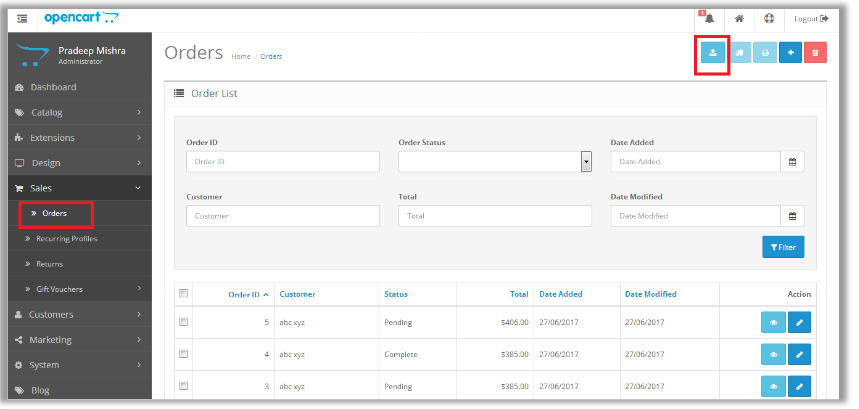
Benefits of Using Order Export Feature
Saves Time
The export tool eliminates the need for manual data entry and allows quick access to order information.
Better Business Reporting
Exported data can be used to create sales reports, analyze customer behavior, and track business performance.
Easy Record Management
Store owners can maintain backups and keep order records organized for future reference.
Improved Workflow
The feature simplifies communication with accountants, shipping teams, and warehouse staff by providing structured order data.
Important Note About Memory Limits
In some cases, stores with a very large number of orders may experience memory-related issues during export.
You may see an error message like:
“Allowed memory size exhausted”
Sometimes a blank white page may appear if error reporting is disabled.
This usually happens when the server memory limit is too low for processing large exports.
Solution
You can resolve this issue by asking your hosting provider to increase the server memory_limit to a higher value suitable for your store size and number of orders.
Final Thoughts
The OpenCart Order Export feature is a simple yet powerful tool that helps store owners manage order data efficiently. Whether you need reports, backups, or customer order details, exporting orders saves time and improves overall business operations.
For growing eCommerce stores, having a reliable order export system is essential for smooth and professional store management.