

Outdated PHP to PHP 8.5: A Complete Website Upgrade Guide
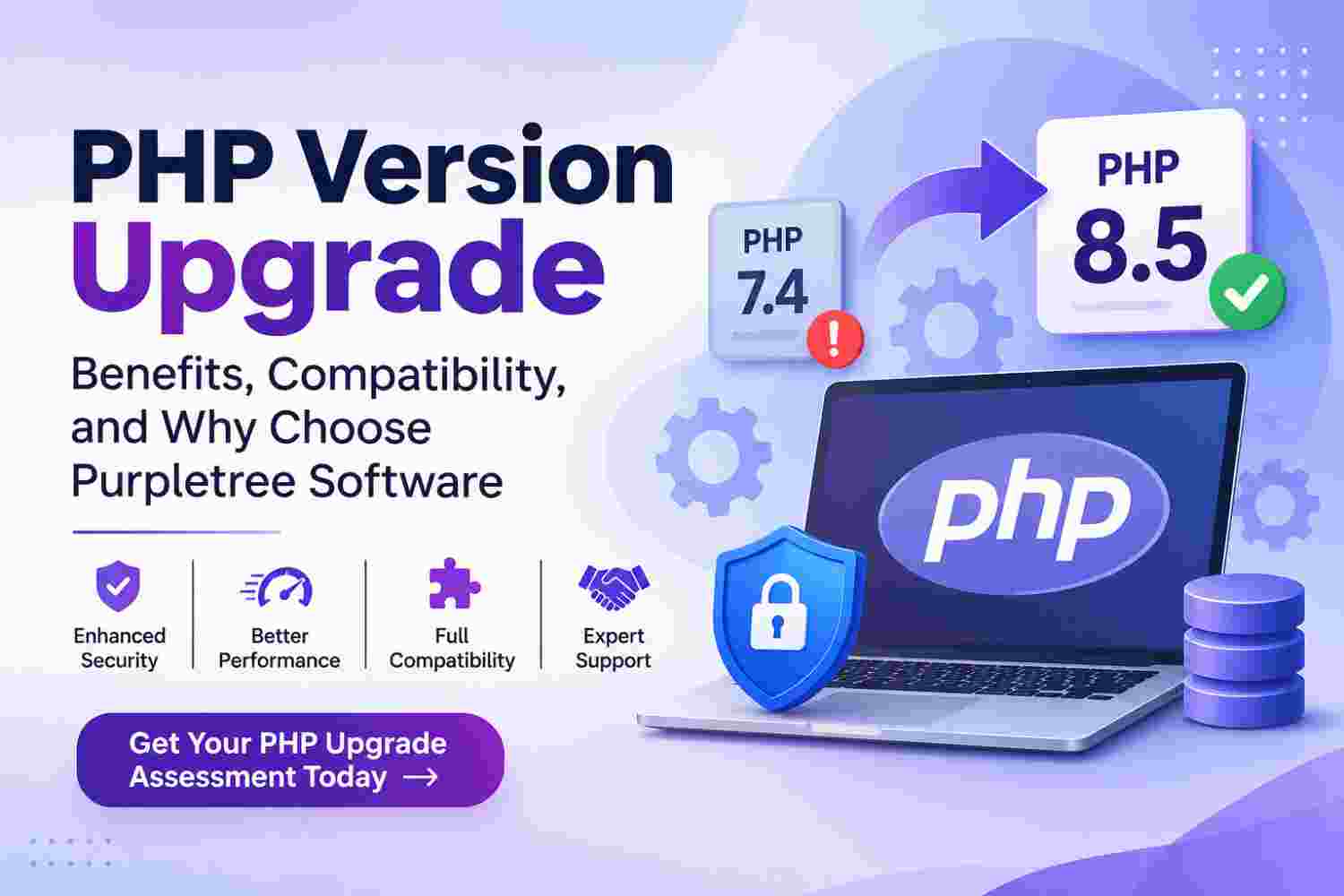
PHP Version Upgrade: Why It Matters and How Purpletree Software Can Help
PHP is one of the most widely used server-side programming languages for developing websites, eCommerce platforms, web applications, and business management systems. However, PHP versions have a limited support period. Older versions eventually become unsupported, which can create security risks, compatibility problems, and maintenance challenges.
If your website is still running on an outdated PHP version, it may be time to upgrade. A proper PHP upgrade involves more than changing the PHP version on your server. It requires reviewing existing code, updating incompatible functions, checking third-party extensions, and testing the complete website to ensure everything continues working correctly.
Purpletree Software LLP provides PHP development, code modification, compatibility, and custom software development services to help businesses upgrade their existing applications with minimal disruption.
What Is PHP and Why Do PHP Versions Matter?
PHP is a programming language used to build dynamic websites and web applications. Platforms such as OpenCart, Magento, WordPress, and Laravel use PHP to manage website functionality, databases, user accounts, payments, and other business operations.
Every PHP version receives support for a limited period. During this period, developers receive bug fixes, performance improvements, and security updates. Once a version reaches its end-of-life date, it no longer receives official security updates or bug fixes.
Running an outdated PHP version can make your website more difficult to maintain and expose it to avoidable security risks. Upgrading to a supported version helps maintain a secure, stable, and compatible application.
PHP Versions: Which Versions Are Obsolete and Which Are Supported?
PHP releases new versions with improvements in security, performance, and programming features. Businesses should understand the support status of their current PHP version before planning a migration.
PHP Version Support Status
- PHP 5.x: Obsolete and no longer officially supported.
- PHP 7.0 to 7.3: Unsupported versions that no longer receive security updates.
- PHP 7.4: End of life reached on 28 November 2022.
- PHP 8.0: End of life reached on 26 November 2023.
- PHP 8.1: End of life reached on 31 December 2025.
- PHP 8.2: Security support until 31 December 2026.
- PHP 8.3: Security support until 31 December 2027.
- PHP 8.4: Active support until 31 December 2026 and security support until 31 December 2028.
- PHP 8.5: Active support until 31 December 2027 and security support until 31 December 2029.
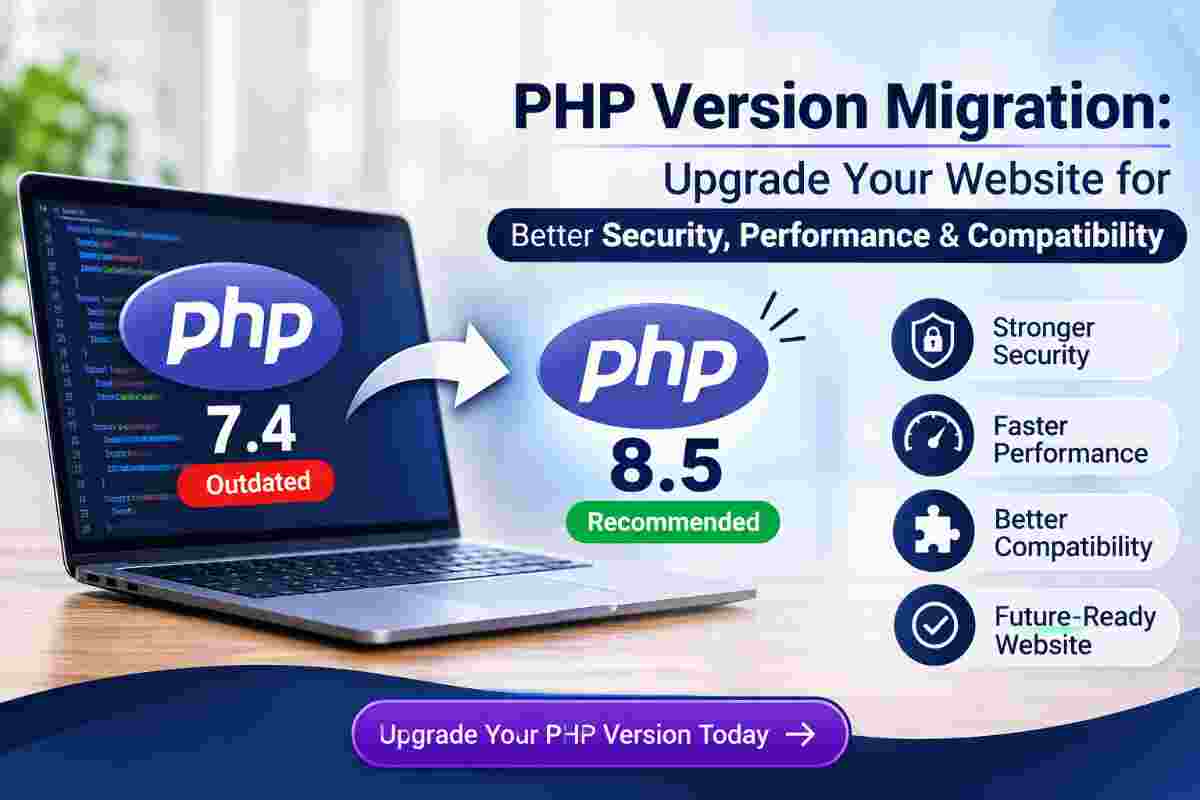
Recommendation: PHP 8.5 is the latest stable branch as of November 2026. PHP 8.4 is also a supported option. The right version depends on your website's framework, extensions, hosting environment, and existing code compatibility.
Important Changes in Recent PHP Versions
PHP 8.0
- Introduced named arguments and union types.
- Improved error handling and type safety.
- Introduced Just-In-Time (JIT) compilation.
- Added attributes and other language improvements.
PHP 8.1
- Introduced enumerations (Enums).
- Added readonly properties.
- Introduced Fibers for asynchronous programming support.
- Improved type handling and performance.
PHP 8.2
- Introduced readonly classes.
- Deprecated dynamic properties.
- Improved type declarations and language functionality.
PHP 8.3
- Introduced typed class constants.
- Added improvements to random number generation.
- Improved error handling and developer functionality.
PHP 8.4
- Introduced property hooks.
- Added asymmetric property visibility.
- Improved the DOM extension.
- Introduced additional array functions and language improvements.
PHP 8.5
- Introduced the pipe operator.
- Added the URI extension.
- Introduced clone-with functionality.
- Added new array functions and other language improvements.
Why Should You Upgrade Your Website to a New PHP Version?
1. Improved Website Security
Unsupported PHP versions no longer receive official security patches. Upgrading to a supported version helps protect your website against vulnerabilities associated with outdated software.
2. Better Performance
Newer PHP versions include engine optimisations and improvements that can help websites execute code more efficiently. Actual performance gains depend on the application and server configuration.
3. Better Compatibility
Modern frameworks, libraries, extensions, and third-party applications increasingly require newer PHP versions. Upgrading helps maintain compatibility with current software.
4. Easier Website Maintenance
Using a supported PHP version makes it easier to maintain your website, update dependencies, and introduce new features without relying on outdated software.
5. Long-Term Technical Stability
A properly planned PHP migration helps businesses maintain their existing applications while preparing them for future software updates and development requirements.
What Changes Are Required During a PHP Version Upgrade?
A PHP upgrade is not simply a server-level version change. Existing application code and dependencies must be reviewed to identify compatibility issues.
1. PHP Code Compatibility Updates
Older applications may contain functions and programming methods that are deprecated or removed in newer PHP versions. Developers need to review and modify incompatible code.
- Replace deprecated PHP functions.
- Update outdated syntax and programming methods.
- Fix incompatible class and object declarations.
- Correct function parameters and return types.
- Improve error and exception handling.
- Resolve warnings and fatal errors.
2. Database Compatibility
Database connectivity and query execution must be checked to ensure the application continues communicating correctly with its database.
- Review MySQL and MariaDB connectivity.
- Check PDO and MySQLi compatibility.
- Test database queries and transactions.
- Verify data insertion, updating, and retrieval.
3. Third-Party Extensions and Plugin Updates
Existing themes, extensions, plugins, and external libraries may not support the target PHP version. These components need to be checked and updated or modified where possible.
4. API and External Integration Compatibility
Payment gateways, shipping services, SMS providers, email services, and other external integrations must be tested to ensure they continue working after the upgrade.
5. Server Configuration and PHP Extensions
The server environment must support the selected PHP version and required modules. Configuration, memory limits, execution time, file permissions, and scheduled tasks should also be reviewed.
How Purpletree Software Helps With PHP Version Upgrades
Purpletree Software LLP provides software development and technical services for businesses that need to upgrade existing websites and applications. Our team can analyse existing PHP code, identify compatibility issues, modify custom functionality, and test applications against the required PHP version.
Our PHP Upgrade and Compatibility Services
PHP Code Analysis and Modification
We review existing source code, identify outdated programming methods, replace incompatible functions, and make the required modifications for the target PHP version.
Custom PHP Application Upgrade
We help businesses upgrade custom PHP websites and applications while focusing on retaining existing features, business logic, and database functionality.
OpenCart PHP Compatibility
We provide OpenCart development and extension-related services, including compatibility checks for existing stores, custom modifications, themes, and third-party modules.
Magento PHP Compatibility
Our Magento development experience helps businesses address PHP compatibility requirements involving Magento modules, custom code, themes, and third-party integrations.
Third-Party Module and API Compatibility
We review existing extensions, payment gateways, shipping integrations, APIs, and external libraries to identify and resolve compatibility problems within the agreed scope.
Website Testing and Bug Fixing
After implementing the required modifications, we test important website operations and resolve issues identified during the compatibility testing process.
Our PHP Upgrade Development Process
Step 1: Existing Website Assessment
We review your current PHP version, website platform, source code, database, hosting environment, and installed extensions.
Step 2: Compatibility Analysis
We identify deprecated functions, incompatible code, outdated libraries, and third-party components that may require updates.
Step 3: Backup and Development Environment
We recommend taking a complete website and database backup and preparing a separate development or staging environment before making changes.
Step 4: PHP Code Modification
Our developers modify existing code, update incompatible functions, resolve errors, and make the application compatible with the selected PHP version.
Step 5: Extension and Integration Updates
We review custom modules, themes, plugins, APIs, and third-party libraries and address compatibility issues within the agreed project scope.
Step 6: Testing and Quality Assurance
We test website pages, user accounts, forms, database operations, checkout processes, payment integrations, and other important functionality.
Step 7: Final Deployment
After testing and approval, the updated application can be deployed to the live server. We perform final checks to verify that the website is operating correctly.
Why Hire Purpletree Software for PHP Upgrade Services?
Choosing the right development partner is important when upgrading an existing website. A poorly managed migration can affect website functionality, customer experience, and business operations.
Experience in eCommerce and Custom Software Development
Purpletree Software has experience working with OpenCart, Magento 2, multi-vendor marketplace solutions, custom PHP applications, and eCommerce integrations.
Focus on Existing Functionality Retention
We understand that an established website may contain important business processes and customised features. Our approach focuses on retaining existing functionality and avoiding unnecessary changes.
Custom Code Modification
Our development team can analyse existing code and implement the required modifications rather than recommending a complete website rebuild wherever a compatibility upgrade is feasible.
Third-Party Integration Experience
We understand the importance of payment gateways, shipping methods, external APIs, and other integrations in business applications. These components are considered during the compatibility assessment.
Testing Before Deployment
We focus on testing the updated application before live deployment to identify and resolve issues that could affect website operations.
Clear Project Scope and Development Estimates
We first assess the existing application and identify the required modifications. Based on the assessment, we provide estimated development hours, project cost, and delivery timelines.
Frequently Asked Questions About PHP Upgrades
1. Is PHP 7.4 still supported?
No. PHP 7.4 reached end of life on 28 November 2022 and no longer receives official security updates.
2. Which PHP version should I use in 2026?
PHP 8.5 is the latest stable branch as of November 2026. PHP 8.4 is also supported. The appropriate version depends on your website's compatibility and hosting environment.
3. Will my existing website work after upgrading PHP?
It depends on your existing source code, framework, extensions, and integrations. A compatibility assessment and testing are recommended before upgrading the live website.
4. Does PHP upgrading require website redesign?
No. A PHP compatibility upgrade generally focuses on the backend code and server environment. The existing design and frontend can usually be retained.
5. Will my existing database be affected?
A PHP upgrade does not normally require changing the database structure. However, database connectivity, queries, and application interactions should be tested. A backup should always be maintained.
6. How much time does a PHP upgrade take?
The timeline depends on the existing PHP version, application size, custom code, installed extensions, and third-party integrations. A technical assessment is required to provide an accurate estimate.
7. Can Purpletree Software upgrade my existing PHP website?
Yes. Purpletree Software can assess existing PHP applications and provide code compatibility, custom development, bug fixing, and migration assistance based on the project requirements.
Upgrade Your Website with Purpletree Software
Do not let outdated PHP versions limit your website's security, compatibility, and future development. Whether you operate a custom PHP application, an OpenCart store, a Magento website, or a business web application, the right upgrade approach can help maintain your existing functionality while preparing your platform for modern PHP versions.
Partner with Purpletree Software LLP for PHP compatibility analysis, code modification, and website upgrade services.
Get Your PHP Upgrade Assessment Today!
Share your existing PHP version, target PHP version, website URL, and technical requirements with our team. We will review your requirements and help you understand the development work involved.
Contact Purpletree Software LLP today to discuss your PHP upgrade project and get a development estimate.