

PHP Version Status in 2026: Expired Versions, Security Risks and Upgrade Guide
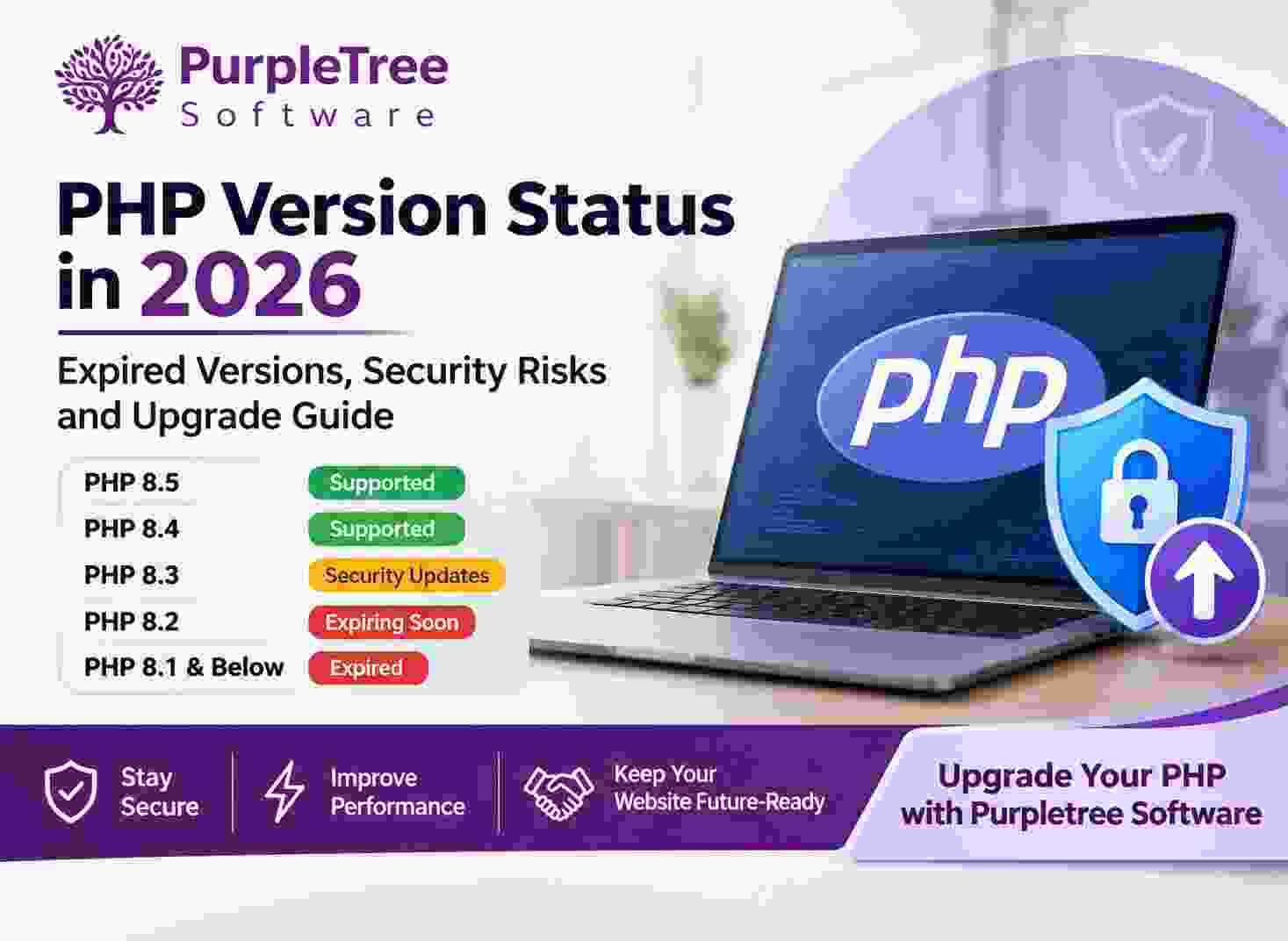
PHP Version Status in 2026: Why Website Owners Should Upgrade
PHP is one of the most widely used programming languages for developing websites, eCommerce platforms, content management systems and web applications. However, PHP regularly introduces new versions, improves performance, fixes bugs and addresses security vulnerabilities. Older versions eventually stop receiving official support, making it important for website owners to keep their PHP environment updated.
As of November 2026, several older PHP versions have reached their End of Life (EOL), while some currently supported versions are approaching their security support deadlines. Understanding these changes can help businesses protect their websites, maintain compatibility and avoid unexpected technical problems.
1. Current PHP Version Status in November 2026
The PHP development team generally provides two years of active support followed by two years of security-only support. After this period, the version reaches End of Life and no longer receives official security updates.
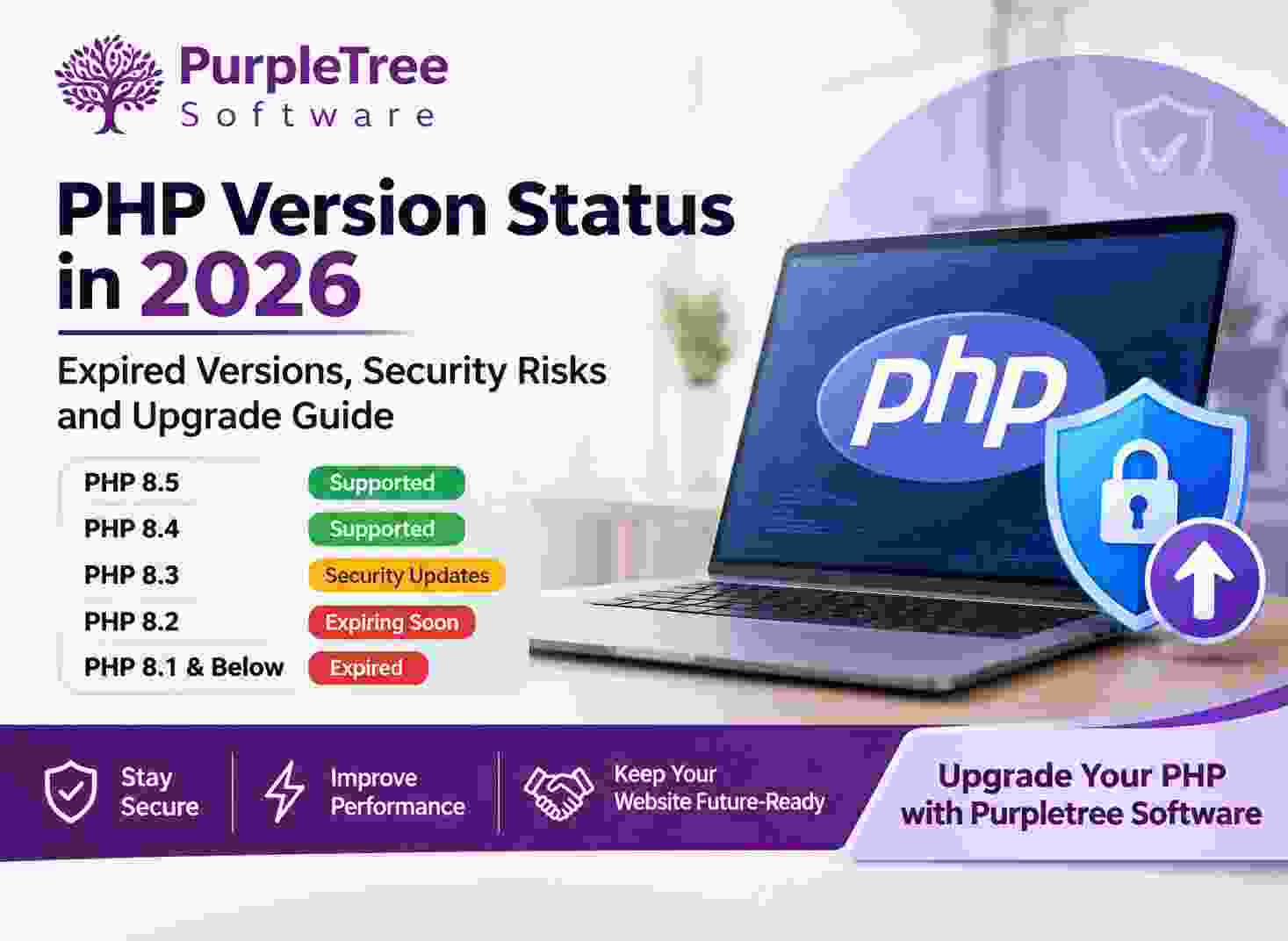
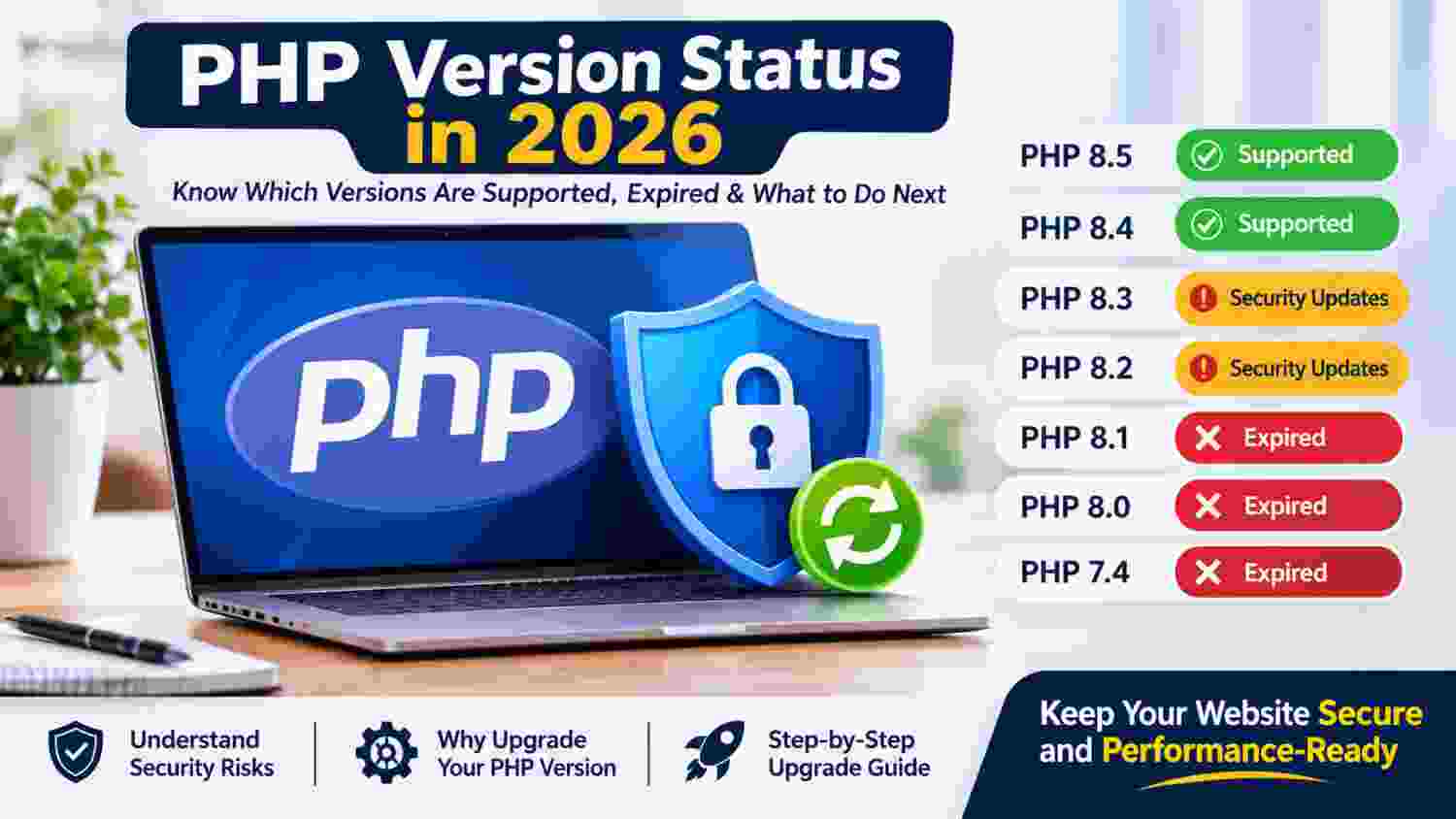
PHP Version Support and Expiry Schedule
| PHP Version | Active Support Ends | Security Support Ends | Current Status |
|---|---|---|---|
| PHP 8.5 | 31 December 2027 | 31 December 2029 | Actively Supported |
| PHP 8.4 | 31 December 2026 | 31 December 2028 | Actively Supported |
| PHP 8.3 | 31 December 2025 | 31 December 2027 | Security Support Only |
| PHP 8.2 | 31 December 2024 | 31 December 2026 | Security Support Only |
| PHP 8.1 | 31 December 2023 | 31 December 2025 | Expired |
| PHP 8.0 | 26 November 2022 | 26 November 2023 | Expired |
| PHP 7.4 | 28 November 2020 | 28 November 2022 | Expired |
Which PHP Versions Should You Use?
PHP 8.5 and PHP 8.4 are currently receiving active support. PHP 8.3 and PHP 8.2 continue to receive security-only updates, but their remaining support periods should be considered when planning an upgrade.
PHP 8.2 will reach End of Life on 31 December 2026. Therefore, businesses still using PHP 8.2 should begin planning their migration instead of waiting until support expires.
What About PHP 8.6?
PHP 8.6 is in its release-candidate testing phase as of November 2026. Release candidates are intended for testing and feedback, not normal production websites. Businesses should use stable, officially supported releases rather than experimental versions.
2. What Happens When a PHP Version Expires?
When a PHP version reaches End of Life, the PHP development team stops providing official maintenance and security fixes for that branch. The website may continue working, but that does not mean the environment remains secure or suitable for long-term business operations.
Security Vulnerabilities
New security vulnerabilities can be discovered even after a PHP version expires. Without official updates, newly discovered problems may remain unpatched. Depending on the vulnerability and website configuration, attackers may exploit weaknesses to access sensitive information, execute malicious code or compromise website functionality.
Compatibility Problems
Newer website applications, plugins, extensions and frameworks may stop supporting older PHP versions. This can result in installation failures, error messages, broken features and difficulties integrating third-party services.
Performance and Maintenance Issues
New PHP releases introduce improvements to language features, performance and memory management. Older versions may miss these improvements and become increasingly difficult and expensive to maintain.
Discuss your Website Upgrade with our senior developers.
3. Why Is PHP Security Important?
PHP processes website requests, communicates with databases, handles user information and executes application functionality. If the underlying PHP environment contains an unpatched security vulnerability, the entire application may be exposed to additional risks.
Common Security Risks
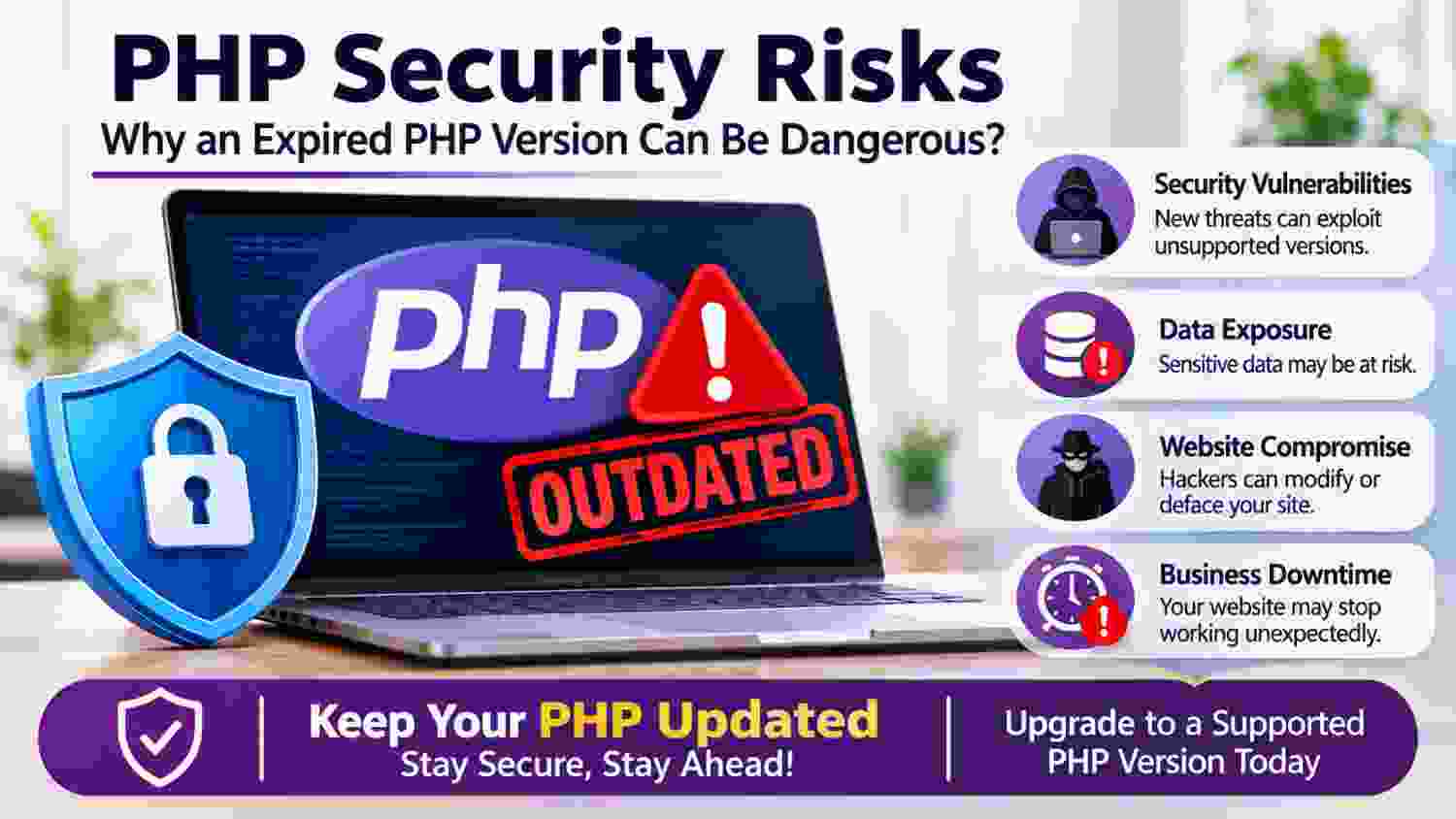
- Remote Code Execution: Certain vulnerabilities can allow attackers to execute unauthorised code on a vulnerable server.
- Data Exposure: Weaknesses may expose customer information, login credentials and other sensitive business data.
- Website Compromise: Attackers may exploit vulnerable environments to modify website files or disrupt services.
- Business Downtime: Security incidents and compatibility failures can interrupt normal business operations.
Why Regular PHP Updates Matter
Security updates are not optional maintenance tasks. They help protect websites against known vulnerabilities and keep the server environment aligned with current security requirements.
4. How to Upgrade Your Website to a Supported PHP Version
Upgrading PHP requires more than simply selecting a newer version from the hosting control panel. Website code, extensions, themes, libraries and server configurations must be checked before making the change.
Step 1: Check Your Existing PHP Version
Identify the PHP version currently running on your server through your hosting control panel, server configuration or application environment information.
Step 2: Check Website Compatibility
Review the requirements of your CMS, framework, extensions, custom modules and third-party integrations. Identify deprecated functions and incompatible code before upgrading.
Step 3: Create a Complete Backup
Back up website files, databases and important server configurations. Perform the upgrade on a staging environment wherever possible.
Step 4: Update and Test the Application
Resolve compatibility issues, update outdated dependencies and test important website functions, including login, registration, checkout, payment gateways, APIs and administrative features.
Step 5: Deploy and Monitor
Move the tested upgrade to the production server. Monitor error logs, website performance, database connections and critical application functionality after deployment.
5. Why Hire Purpletree Software for PHP Upgradation?
Upgrading an existing website to a newer PHP version can involve complex technical changes, particularly when the website contains custom development, third-party extensions, older frameworks or eCommerce functionality.
Purpletree Software LLP provides website development, maintenance and technical upgrade services to help businesses maintain reliable and compatible web applications.
How Purpletree Software Can Help
- PHP Version Assessment: Identify the existing PHP environment, outdated dependencies and upgrade requirements.
- Compatibility Analysis: Review website code, themes, extensions, plugins and third-party integrations.
- Code Modernisation: Update deprecated functions and resolve compatibility issues with supported PHP releases.
- Security Improvements: Help address identified application-level vulnerabilities and outdated components.
- Performance Optimisation: Review application performance and resolve issues identified during the upgrade.
- Testing and Deployment: Test essential website functionality before deploying changes to the live environment.
- Ongoing Maintenance: Provide technical assistance for future compatibility, maintenance and upgrade requirements.
PHP Upgrade Services for Different Platforms
Purpletree Software can assist with PHP compatibility and upgrade requirements for platforms such as OpenCart, Magento, WordPress, Laravel and custom PHP applications, subject to the existing application architecture and technical requirements.
6. Do Not Wait Until Your PHP Version Expires
PHP version upgrades should be part of regular website maintenance rather than an emergency activity. Running an unsupported version can increase security exposure, create compatibility problems and make future upgrades more complicated.
Businesses currently using PHP 8.2 should plan their migration before its December 2026 expiry. Websites using PHP 8.1, PHP 8.0 or PHP 7.4 should prioritise moving to a currently supported version after proper compatibility testing.
Upgrade Your PHP Website with Purpletree Software
Is your website running on an outdated PHP version? Are you experiencing compatibility issues with your existing extensions or application?
Contact Purpletree Software LLP for a technical assessment of your existing website and discuss the right PHP upgrade approach for your business.
Protect your website, improve compatibility and keep your application ready for future technology updates.
Contact Purpletree Software: Discuss your PHP upgrade and website maintenance requirements with our technical team.