

Standard Process for Upgrading PHP Version on Your eCommerce Website
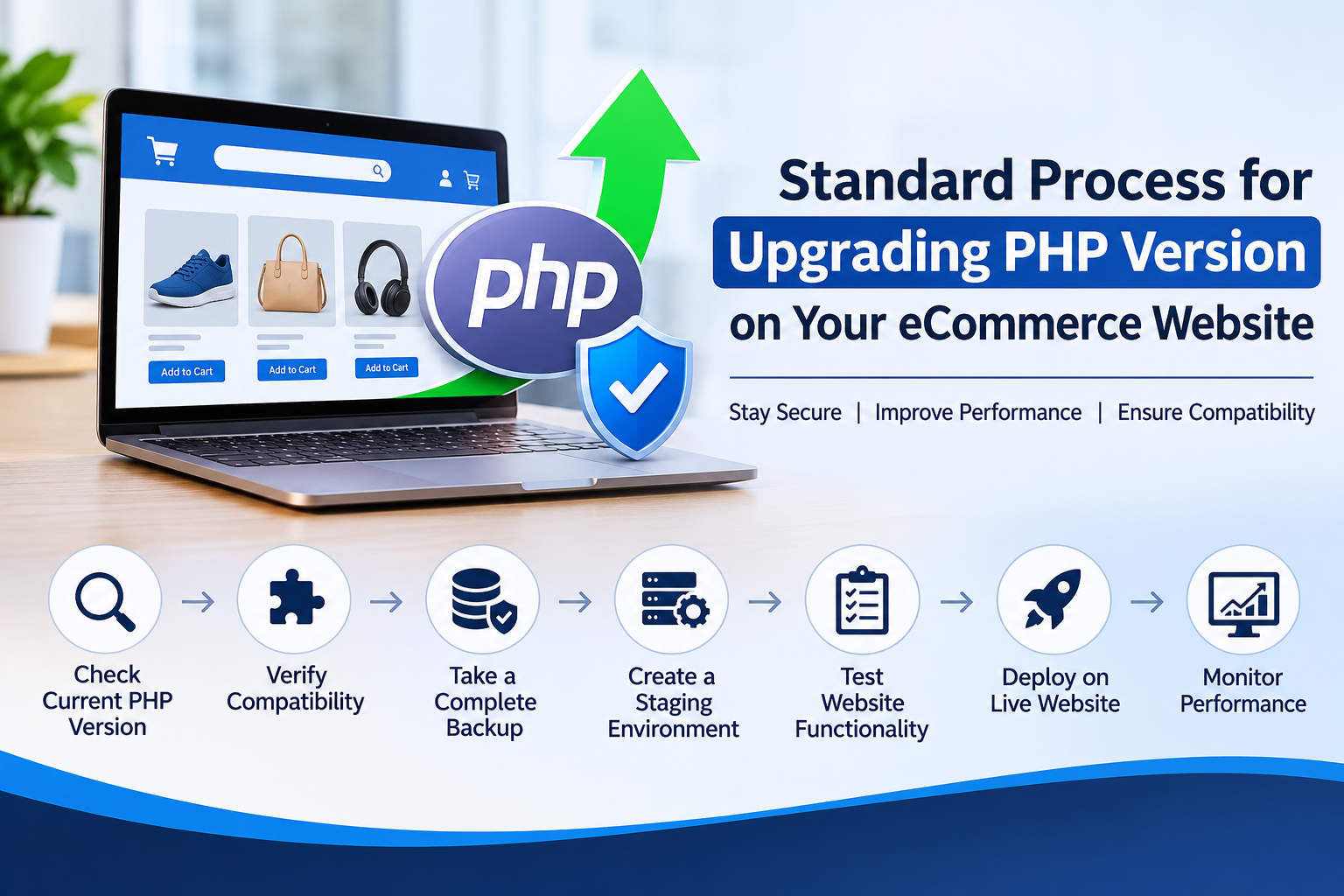
Standard Process for Upgrading PHP Version on Your eCommerce Website
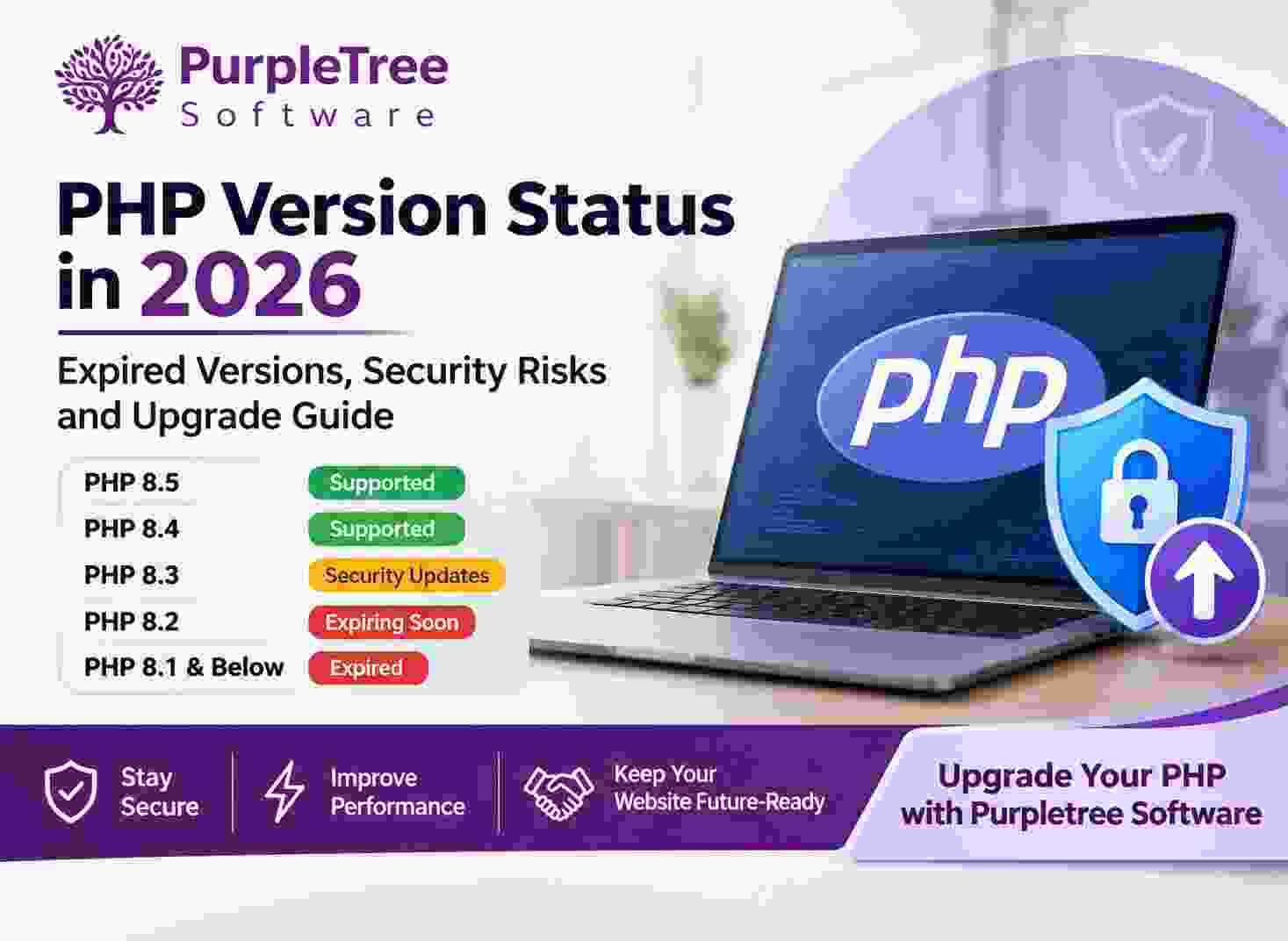
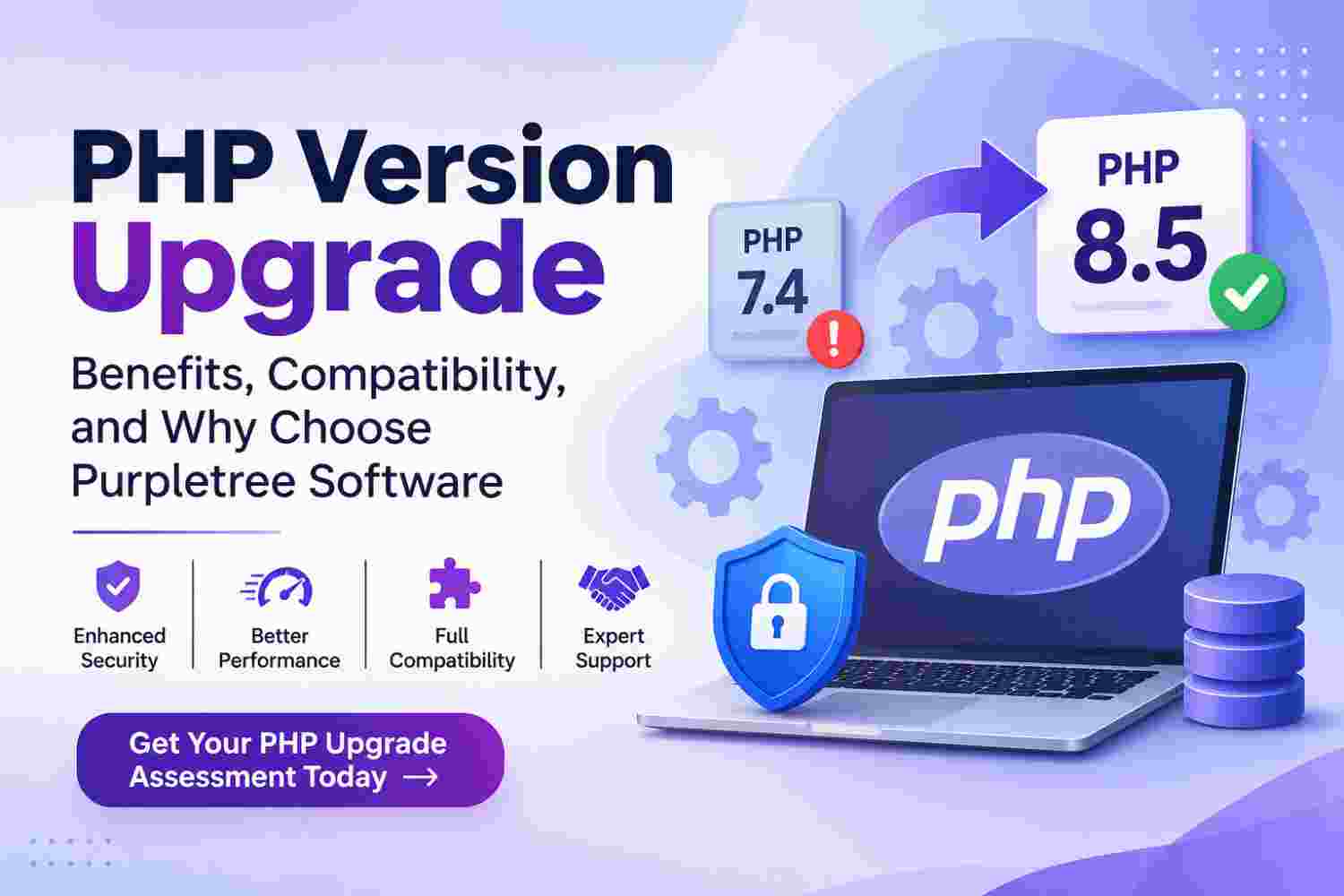
PHP is one of the core technologies used by many eCommerce platforms, including OpenCart, Magento, WordPress, and WooCommerce. PHP regularly releases new versions with improved performance, security updates, and better compatibility with modern technologies.
However, upgrading PHP on a live eCommerce website is not simply a matter of changing the server settings. An incorrect upgrade can cause compatibility issues, broken extensions, checkout errors, or even website downtime. Therefore, following a standard and planned upgrade process is important to keep your online store secure and operational.
1. Check the Current PHP Version
The first step is to identify the PHP version currently running on your website. This can usually be checked through your hosting control panel, server configuration, or website administration tools.
Review the Existing Environment
Before starting, check the following details:
- Currently installed PHP version.
- eCommerce platform and its version.
- Installed themes and third-party extensions.
- Server configuration and PHP extensions.
- Database version and hosting environment.
This information helps determine which PHP versions are supported by your existing website.
2. Check Platform and Extension Compatibility
Every eCommerce platform has specific PHP version requirements. Not all platform versions, themes, and extensions support the latest PHP releases.
Verify Platform Requirements
Check the official compatibility documentation for your platform, such as OpenCart, Magento, or WooCommerce. Confirm which PHP versions are officially supported by your installed platform version.
Check Third-Party Extensions
Review all installed extensions, custom modules, payment gateways, shipping integrations, and themes. Some older extensions may use outdated PHP functions that are no longer supported in newer versions.
Identify Potential Compatibility Issues
Check for deprecated functions, removed PHP features, outdated coding practices, and incompatible libraries. Identify and resolve these issues before upgrading the live website.
Discuss your eCommerce Website Project.
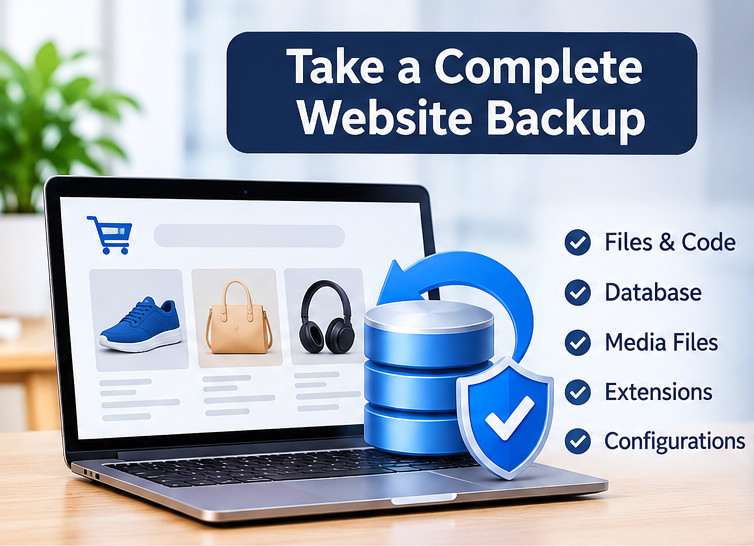
3. Take a Complete Website Backup
Backup is one of the most important steps in the PHP upgrade process. Before making any server or code changes, create a complete backup of your website.
What Should Be Included in the Backup?
- Complete website source code and files.
- Full database backup.
- Uploaded product images and documents.
- Custom themes and extensions.
- Important server configuration files.
Keep the backup in a secure location so the website can be restored if unexpected problems occur.
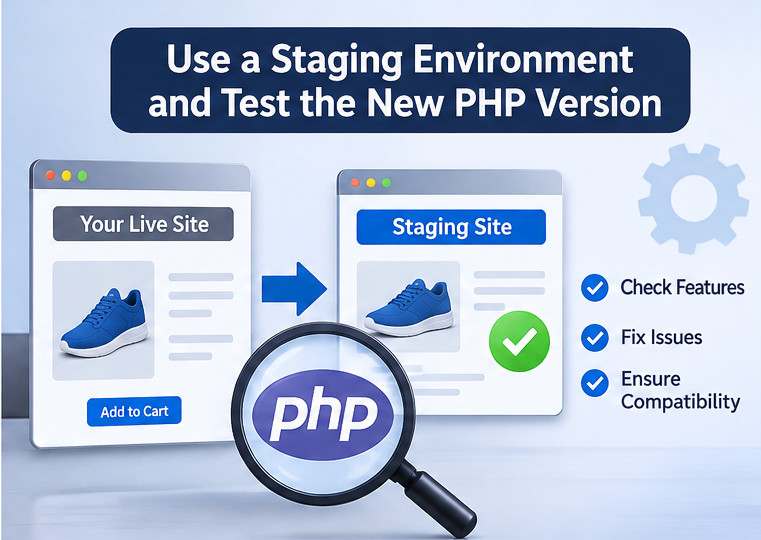
4. Create a Staging Environment
Never test a major PHP upgrade directly on a live eCommerce website whenever a staging environment is available. Create a separate copy of the website on a staging server or subdomain.
Test the New PHP Version
Install the target PHP version on the staging environment and configure the required PHP extensions. Update the application code or incompatible extensions wherever necessary.
This provides a safe environment to identify and resolve technical problems without affecting customers or ongoing business operations.
5. Perform Website Functionality Testing
After upgrading PHP on the staging website, perform complete functionality testing. The objective is to ensure that all important website features continue to work correctly.
Important Areas to Test
- Homepage, category pages, and product pages.
- Customer registration and login.
- Shopping cart and checkout process.
- Payment gateway and order confirmation.
- Shipping methods and tax calculations.
- Admin dashboard and order management.
- Product management and inventory updates.
- Third-party extensions and custom functionality.
Check Error Logs and Performance
Review PHP error logs, server logs, and application logs. Resolve warnings, fatal errors, database issues, and compatibility problems. Also compare website loading speed and overall performance before and after the upgrade.
6. Upgrade PHP on the Live Website
Once the staging website passes all important tests, schedule the live upgrade during low-traffic hours to minimise business disruption.
Live Upgrade Process
- Take a fresh backup of the live website.
- Inform relevant team members about the maintenance window.
- Enable maintenance mode if required.
- Change the PHP version through the hosting panel or server configuration.
- Configure the required PHP extensions and settings.
- Clear application, website, and server caches where necessary.
- Verify that the website is working correctly.
7. Post-Upgrade Monitoring and Support
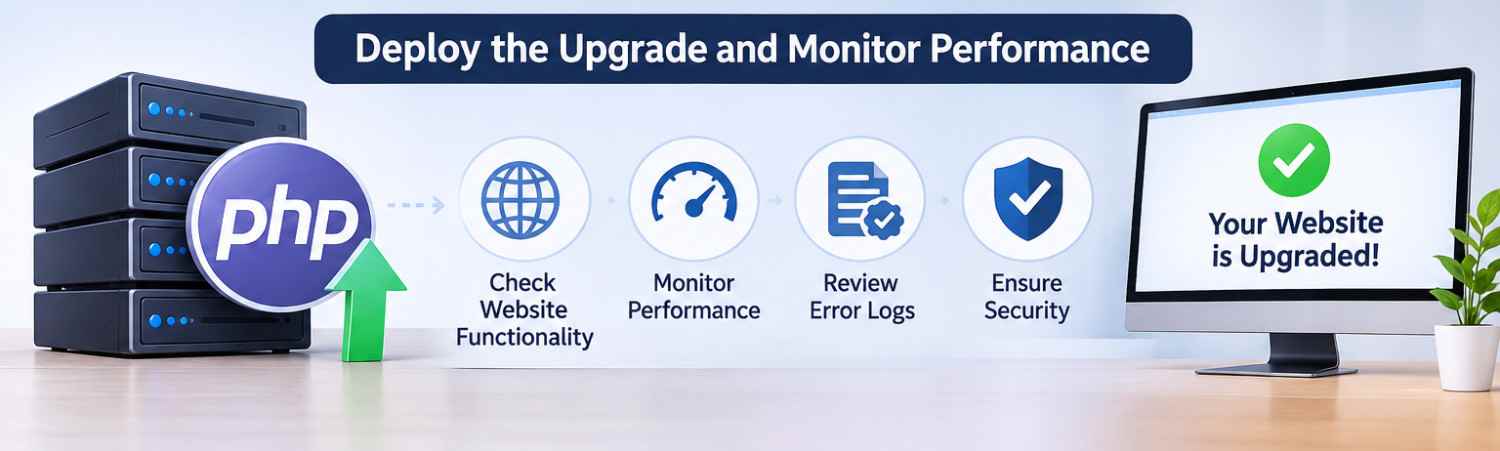
After completing the upgrade, monitor the live website carefully. Check customer activities, order processing, payment transactions, server performance, and error logs.
Ensure Business Operations Continue Normally
Pay special attention to checkout functionality, payment processing, order emails, shipping calculations, and administrative operations. Resolve any unexpected issues immediately.
Why Choose Professional PHP Upgrade Services?
PHP upgrades require technical knowledge of server configurations, application architecture, database environments, and extension compatibility. Professional developers can identify potential risks, fix outdated code, and complete the upgrade with minimum disruption to your business.
Purpletree Software LLP provides eCommerce development, PHP compatibility updates, custom code fixes, and website maintenance services for platforms such as OpenCart, Magento, and WooCommerce.
Whether you are running an older PHP version or planning to move to a newer supported release, our team can help assess your existing website, identify compatibility issues, and manage the upgrade process.
Planning to Upgrade Your Website's PHP Version?
Contact Purpletree Software LLP to discuss your PHP upgrade requirements and get professional assistance in making your eCommerce website more secure, compatible, and performance-ready.