Purpletree LLMS TXT Generator for OpenCart – Complete User Guide
Purpletree LLMS TXT Generator – User Guide
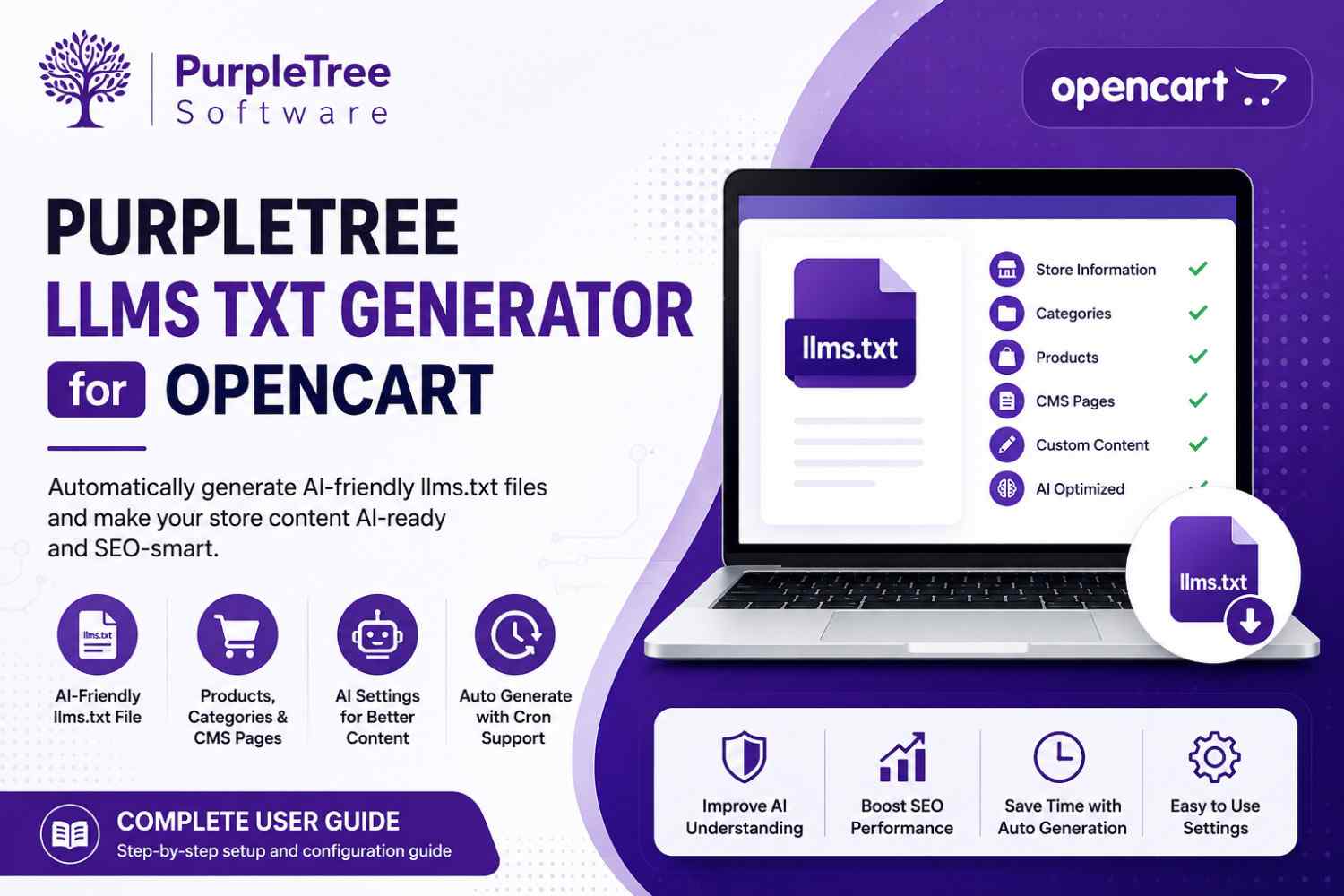
The Purpletree LLMS TXT Generator is an OpenCart extension designed to automatically generate an llms.txt file for your store. This file helps AI systems such as ChatGPT, Google AI, and other AI tools understand your website content in a structured format.
Introduction
The extension creates a structured llms.txt file containing important store information such as products, categories, CMS pages, and custom content. This helps improve AI readability and supports better content understanding.
( Get More Information About the LLMS TXT Generator for OpenCart )
Installation
Step 1: Login to OpenCart Admin
Access your OpenCart Admin Panel using your administrator credentials.
Step 2: Upload Extension
Navigate to:
Extensions → Installer
Upload the extension installation file.
Step 3: Install Module
Go to:
Extensions → Modules → Purpletree LLMS TXT Generator
Click on:
- Install
- Enable
License Activation
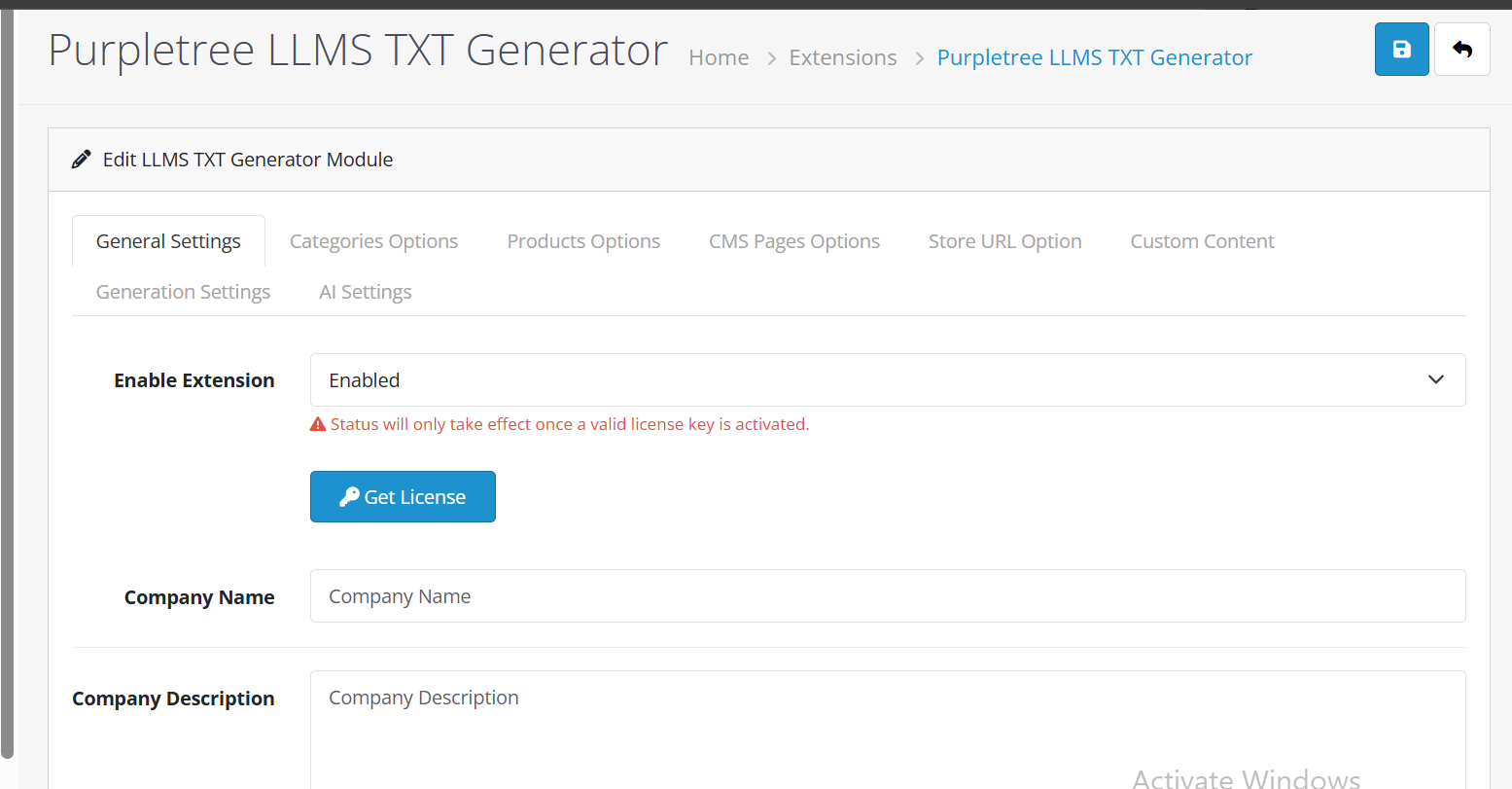
The extension requires a valid license key for full functionality.
Activation Steps
- Click on Get License
- Purchase or obtain your license key
- Enter the license key in the provided field
- Click Save
General Settings
Enable Extension
Use this option to turn the module ON or OFF.
Company Name
Enter your store or company name.
Company Description
Add a short company description that will appear inside the llms.txt file.
Categories Options
Control which category data is included in the generated llms.txt file.
Available Options
- Include in LLMS.txt – Enable or Disable category inclusion
Fields to Include
- Name
- Description
- Meta Title
- Meta Description
- URL
Max Categories
Limit the total number of categories included in the file.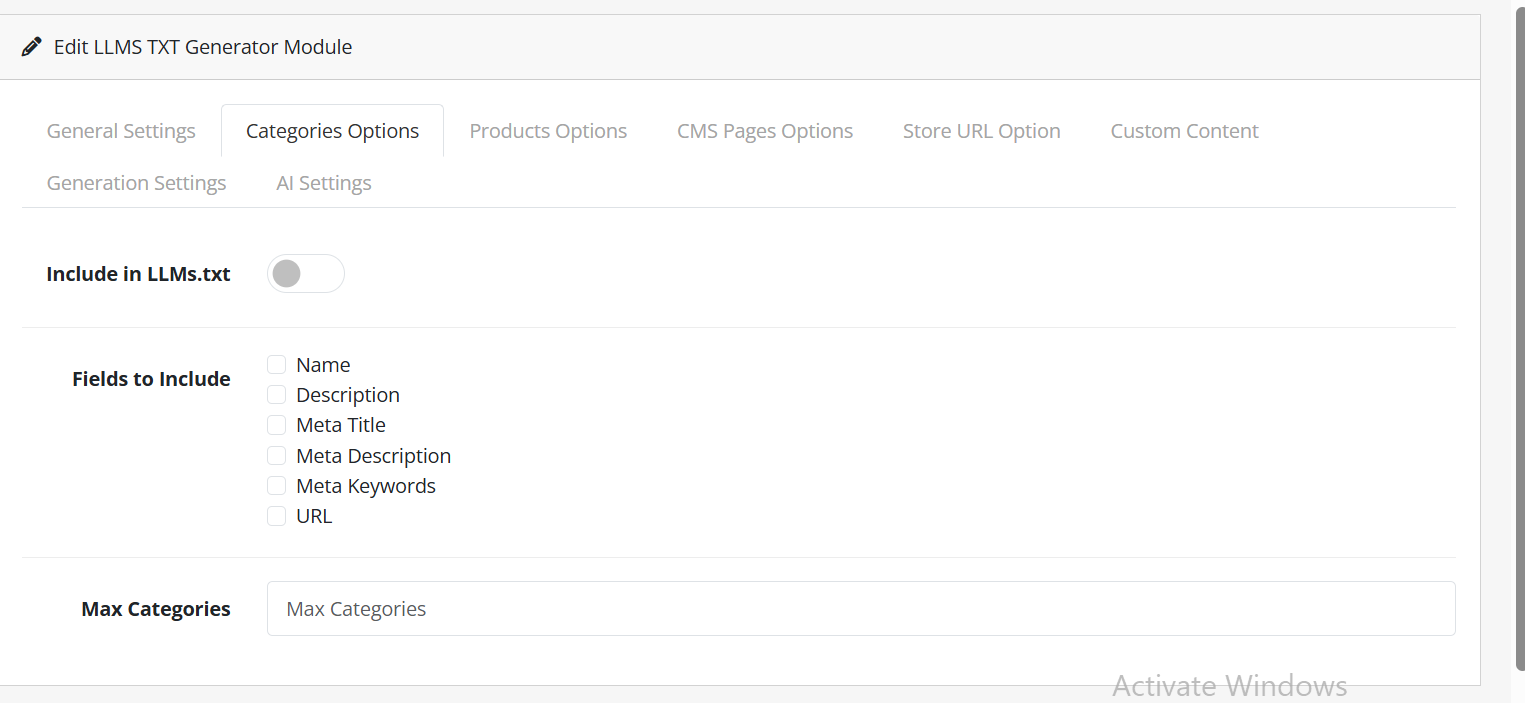
Products Options
Manage product information included in the generated llms.txt file.
Available Options
- Include in LLMS.txt – Enable or Disable product inclusion
Fields to Include
- Product Name
- Description
- Short Description
- Price
- Special Price
- SKU
- Meta Title
- Meta Description
- URL
Max Products
Recommended limit: 50–200 products.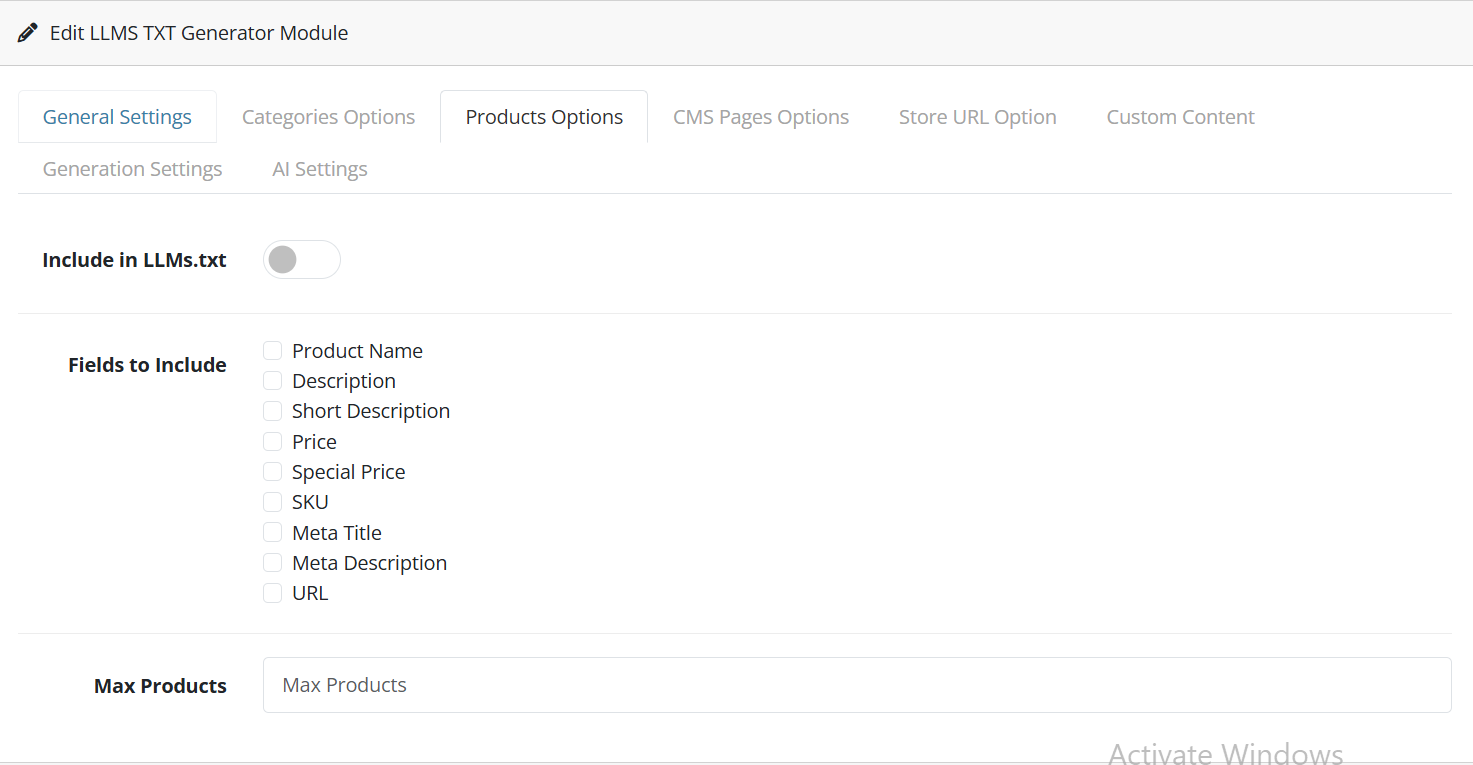
CMS Pages Options
Include important CMS pages such as About Us, Contact Us, Privacy Policy, and other informational pages.
Available Options
- Include in LLMS.txt – Enable or Disable CMS page inclusion
Fields to Include
- Name
- Description
- Meta Title
- Meta Description
- URL
Max Pages
Limit the number of CMS pages included in the file.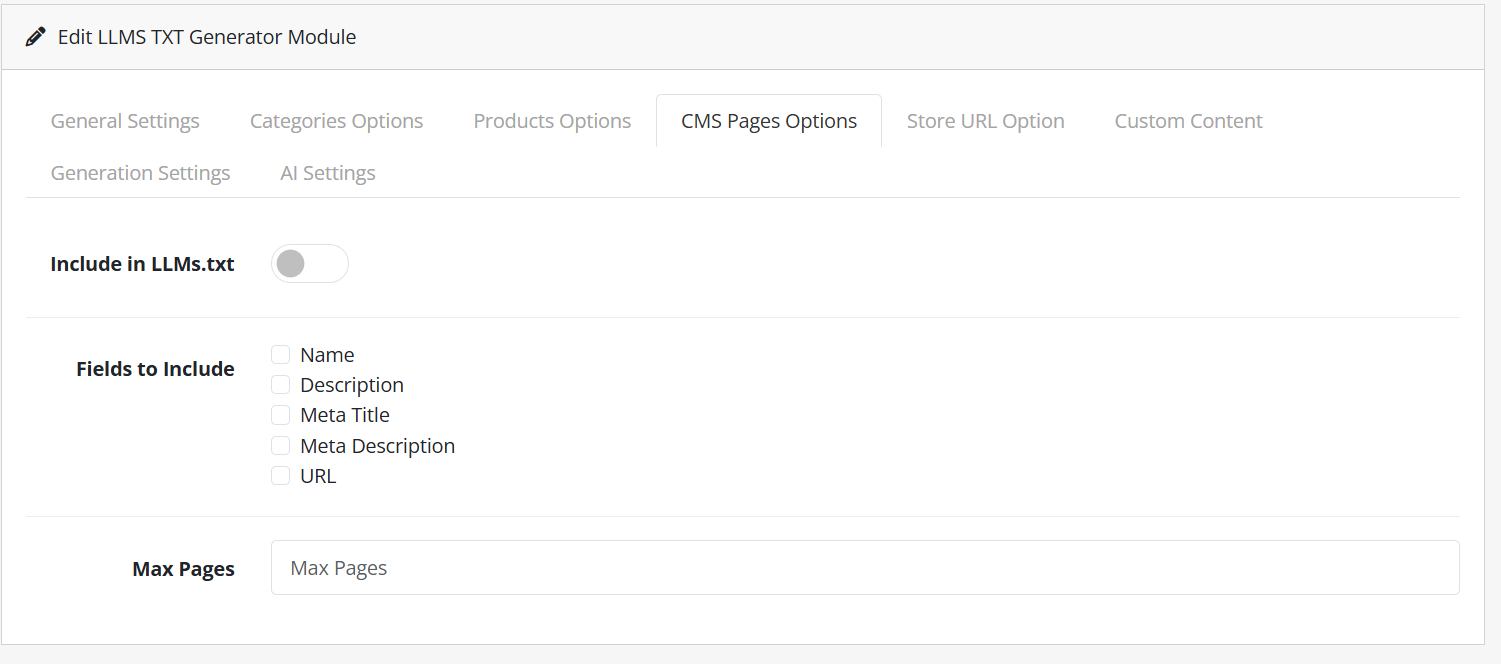
Store URL Option
Include Store URL
Enable this option to include your store homepage URL in the generated llms.txt file.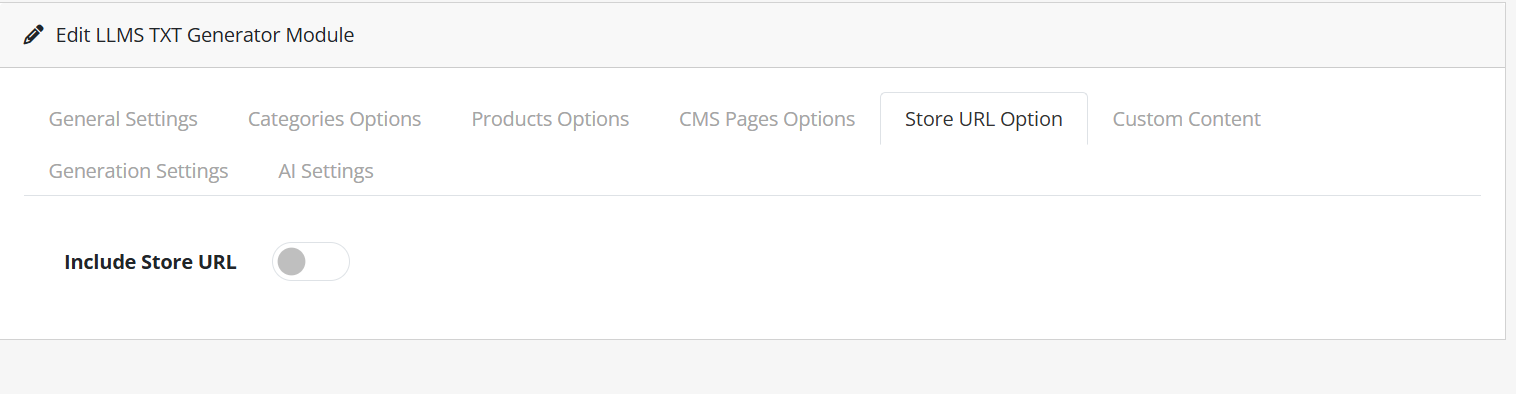
Custom Content
Add manual custom content that will appear in the generated file.
Example
Our store specializes in electronics and gadgets.
We provide fast delivery and secure payments.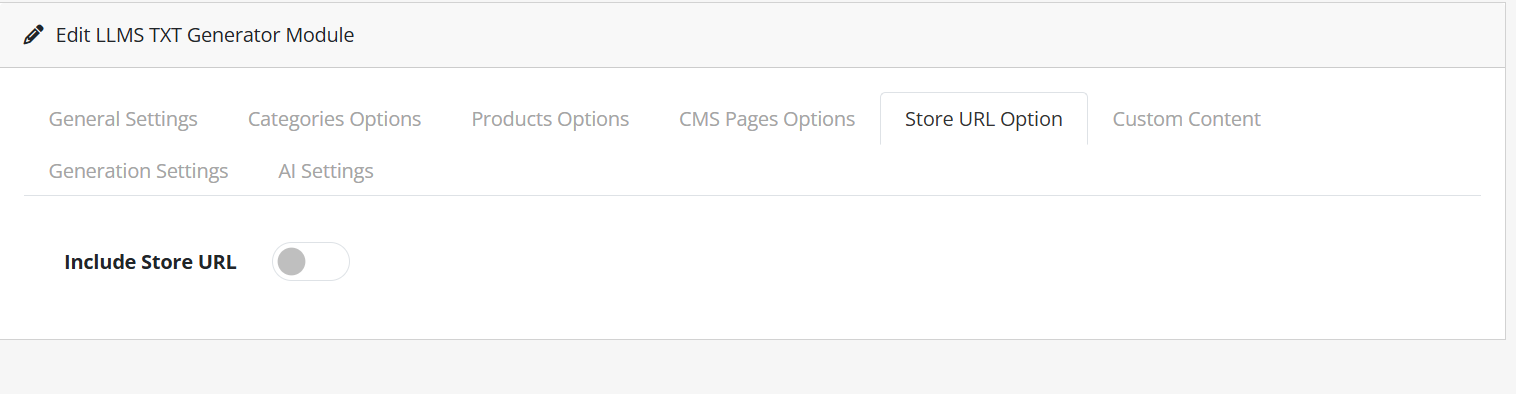
Generation Settings
Generate Now
Generate the llms.txt file manually at any time.
Auto Generate (Cron)
Automatically update the file daily or weekly using scheduled cron jobs.
AI Settings (Optional)
Available AI Features
- Enable AI-generated content
- Automatically generate descriptions
- Improve SEO with optimized text
Conclusion
The Purpletree LLMS TXT Generator helps OpenCart store owners create a structured AI-friendly content file quickly and efficiently. Proper configuration of products, categories, pages, and custom content can improve content accessibility for modern AI systems and search technologies.