

OpenCart 4.1.0.4: What’s New, Features, Fixes & Improvements
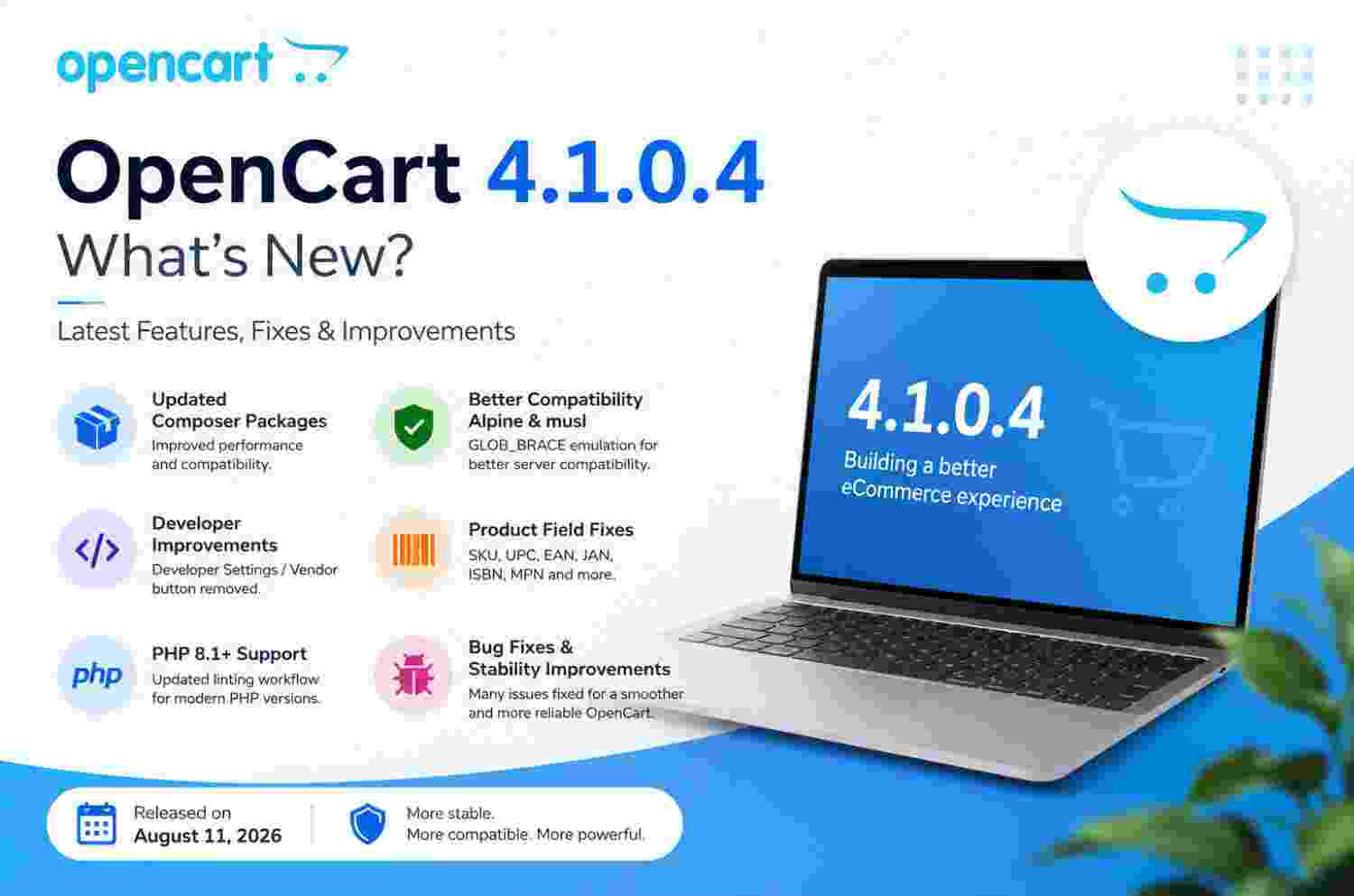
OpenCart 4.1.0.4 is the latest maintenance release in the OpenCart 4.1 series, released on August 11, 2026. Unlike a major version release that introduces a large number of new customer-facing features, OpenCart 4.1.0.4 focuses mainly on improving compatibility, fixing bugs, updating dependencies, and making the platform more reliable for developers and store owners.
The latest release includes updates to Composer packages, improved compatibility with Alpine Linux and musl-based environments, administration cleanup, fixes for product identification fields, and updated development tooling for PHP 8.1 and newer.
OpenCart 4.1.0.4 at a Glance
OpenCart 4.1.0.4 is best understood as a stability and maintenance update. The release does not attempt to completely change how an OpenCart store works. Instead, it addresses technical areas that can affect compatibility, development, product management, and server environments.
Key Changes in OpenCart 4.1.0.4
- Updated Composer packages
- Improved GLOB_BRACE compatibility for Alpine/musl environments
- Removal of the Developer Settings / Vendor button
- Fixes related to SKU, UPC, EAN, JAN, ISBN and MPN fields
- Updated linting workflow for PHP 8.1+
- Additional bug fixes and stability improvements
1. Updated Composer Packages
One of the main technical changes in OpenCart 4.1.0.4 is the update of Composer packages.
Composer packages provide libraries and dependencies used by OpenCart and its development ecosystem. Keeping these packages updated is important for maintaining compatibility with modern PHP environments and improving the maintainability of the platform.
Why This Matters for Store Owners
Although most store owners will not directly interact with Composer, updated dependencies can contribute to a more reliable OpenCart installation and make it easier for developers to maintain the platform over time.
What Developers Should Check
Developers maintaining custom extensions should test their extensions against OpenCart 4.1.0.4 after upgrading, particularly when an extension depends on third-party libraries or interacts with core functionality.
2. Improved Alpine Linux and musl Compatibility
OpenCart 4.1.0.4 introduces an emulation for GLOB_BRACE to improve compatibility with Alpine Linux and musl-based environments.
This is particularly useful for developers and hosting environments that use lightweight Linux distributions or containerized infrastructure.
Why Alpine Compatibility Is Important
Alpine Linux is commonly used for lightweight containers because of its small footprint. However, applications can sometimes encounter compatibility differences when compared with traditional Linux environments using glibc.
The OpenCart improvement helps address one of these compatibility areas and makes the platform more adaptable to different server configurations.

3. Developer Settings / Vendor Button Removed
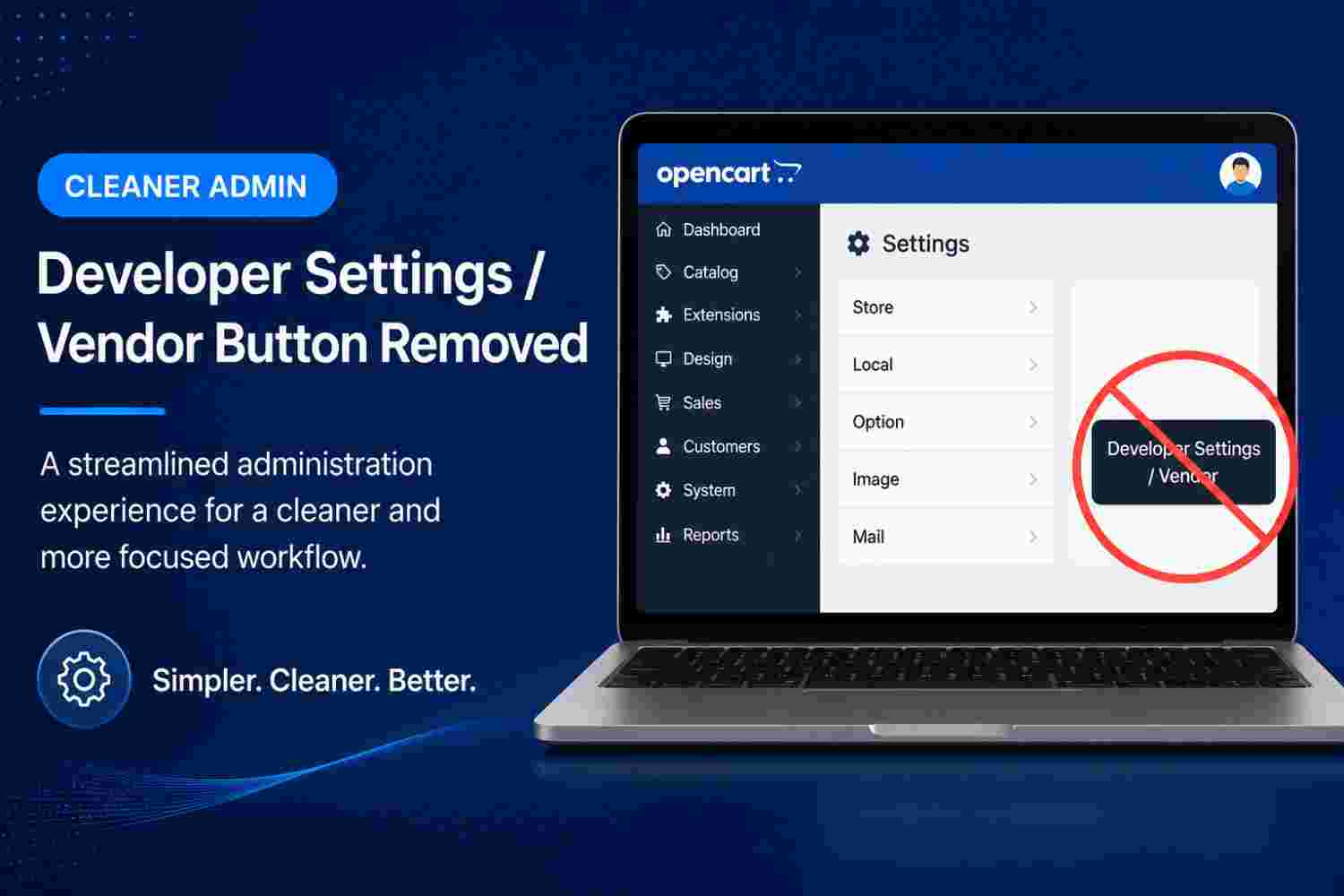
Another change in OpenCart 4.1.0.4 is the removal of the Developer Settings / Vendor button.
This is primarily an administration and development-related change rather than a customer-facing feature.
What Developers Should Know
If you regularly work with OpenCart's development tools, extensions, or custom functionality, review the administration interface after upgrading and confirm that your existing development workflow continues to work as expected.
4. Product Identification Field Fixes
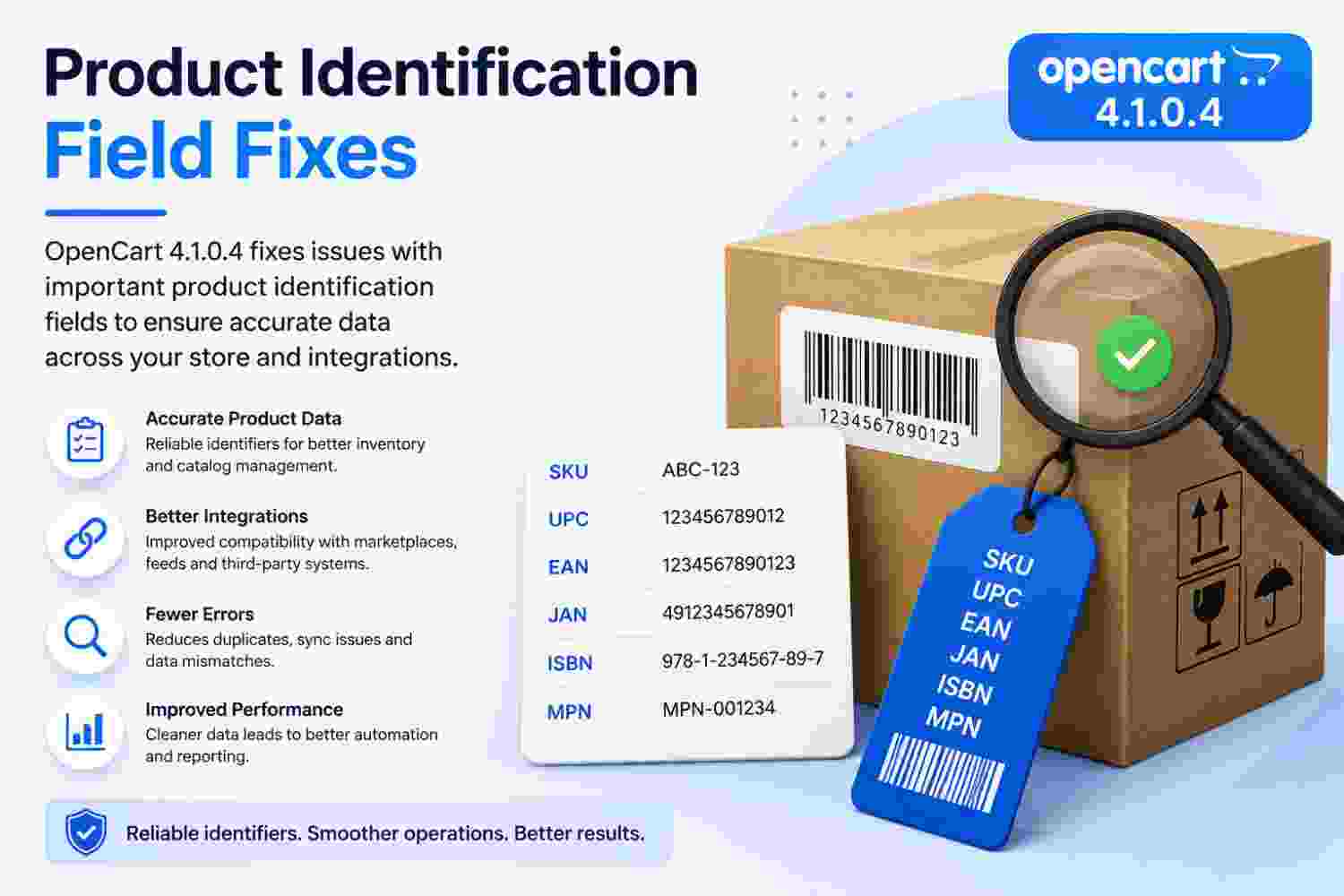
OpenCart 4.1.0.4 also addresses various problems involving important product identification fields, including:
- SKU – Stock Keeping Unit
- UPC – Universal Product Code
- EAN – European Article Number
- JAN – Japanese Article Number
- ISBN – International Standard Book Number
- MPN – Manufacturer Part Number
These fields can be important for inventory systems, product feeds, marketplaces, search functionality, and third-party integrations. The fixes therefore matter particularly to stores that maintain large product catalogs or connect OpenCart with external platforms.
Why Product Identifiers Matter
Accurate product identifiers help businesses organize products and synchronize catalog information with external systems. Incorrect handling of these values can result in duplicate products, failed integrations, incorrect product feeds, or inventory synchronization problems.
5. PHP 8.1+ Development Workflow Update
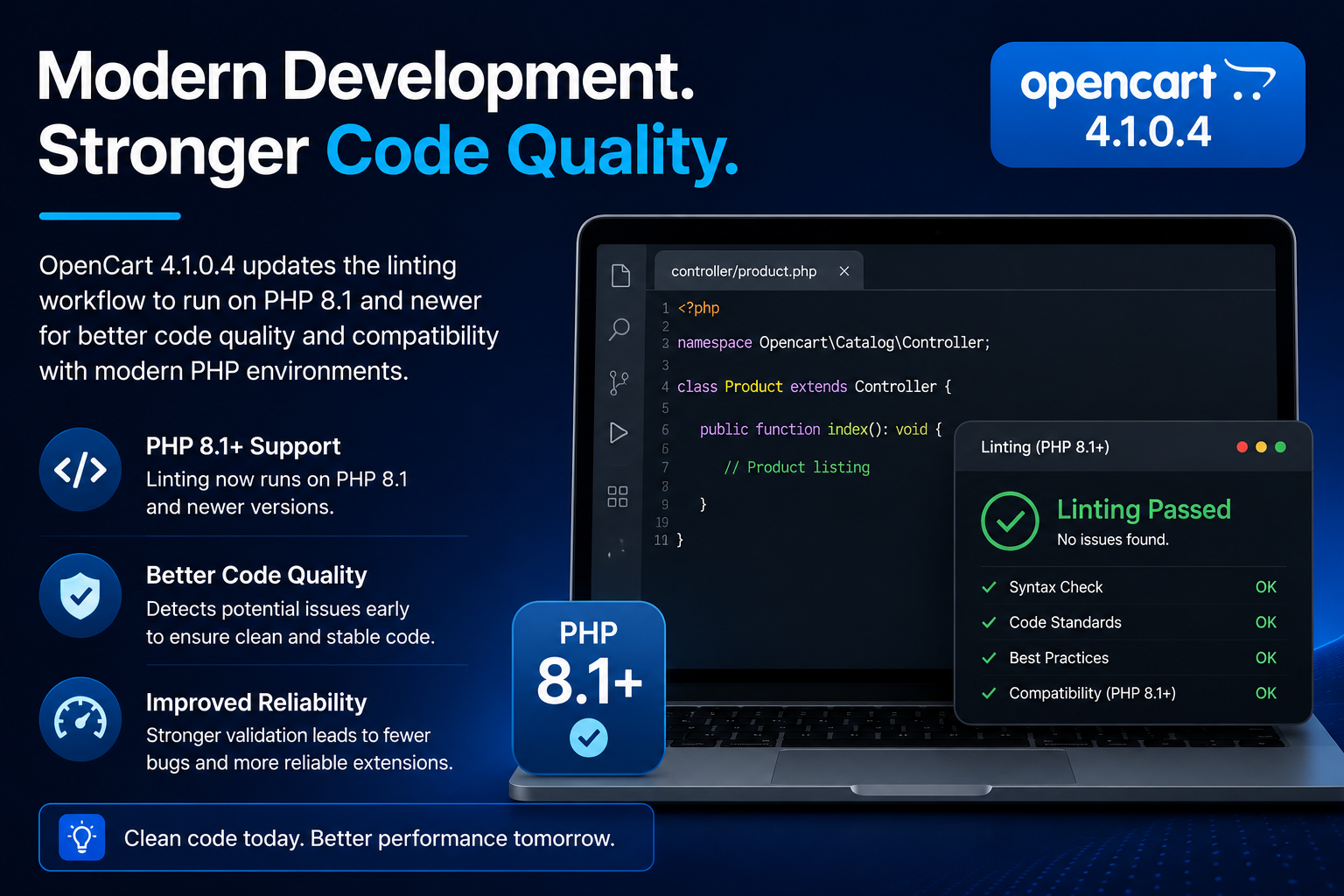
OpenCart 4.1.0.4 also updates its linting workflow to run on PHP 8.1 and newer.
Linting is an important part of software development because it helps identify coding problems before software is deployed.
What This Means for Developers
Developers building or maintaining OpenCart extensions should test their code using supported modern PHP versions and verify that their extensions do not rely on outdated PHP behavior.
Check Extension Compatibility
Before upgrading a production store, check the PHP requirements and OpenCart compatibility of your installed extensions, themes, payment gateways, shipping modules, and custom modifications.
6. Bug Fixes and Stability Improvements
OpenCart 4.1.0.4 is primarily focused on maintenance and stability. The official release includes several changes submitted and reviewed through the OpenCart development process.
These types of updates are important because ecommerce websites depend on reliable product management, checkout functionality, administration tools, integrations, and server compatibility.
Why Maintenance Releases Matter
A maintenance release may not introduce a visually noticeable feature, but it can still provide significant value by resolving technical problems and improving compatibility with current development environments.
Should You Upgrade to OpenCart 4.1.0.4?
If your store is already running the OpenCart 4.1 branch, OpenCart 4.1.0.4 is worth evaluating because it includes dependency updates, compatibility improvements, and bug fixes.
However, upgrading a live ecommerce website should always be performed carefully.
Before Upgrading
- Create a complete backup of your OpenCart files.
- Create a complete database backup.
- Test the upgrade on a development or staging website.
- Check compatibility of all installed extensions.
- Check your theme compatibility.
- Test payment and shipping methods.
- Test product creation and editing.
- Test customer registration and login.
- Test the complete checkout process.
- Review custom modifications and OCMOD changes.
OpenCart's official documentation recommends keeping installations updated and provides an Upgrade tool for checking and installing available updates.
OpenCart 4.1.0.4 and Extensions
Extension compatibility is particularly important when upgrading an OpenCart store. OpenCart 4.x supports extensions through its extension architecture, Events system, MVC-L structure, and OCMOD.
What Extension Developers Should Test
- Admin extension pages
- Product management
- Customer registration
- Cart and checkout
- Payment gateways
- Shipping methods
- Order management
- OCMOD modifications
- Theme compatibility
- Database operations
Final Thoughts
OpenCart 4.1.0.4 is a stability-focused update rather than a major feature release. Its most notable changes include updated Composer packages, improved Alpine/musl compatibility, removal of the Developer Settings / Vendor button, fixes for product identification fields, and an updated PHP 8.1+ linting workflow.
For merchants, developers, extension providers, and agencies working with OpenCart 4.1.x, the release is another step toward a more stable and modern ecommerce platform.
Important Upgrade Advice
Do not immediately upgrade a production store without testing. Create backups, use a staging environment, and verify all third-party extensions and customizations before moving to OpenCart 4.1.0.4.
Disclaimer
This article is provided for informational purposes only. OpenCart releases, requirements, fixes, compatibility information, and technical specifications may change. For the most accurate and final information, always consult the official OpenCart release notes and official OpenCart documentation before upgrading or making changes to a production store.
For official guidance, refer to the OpenCart Documentation and the official OpenCart Releases page.