How to Use Purpletree Custom Product Designer to Empower Customers
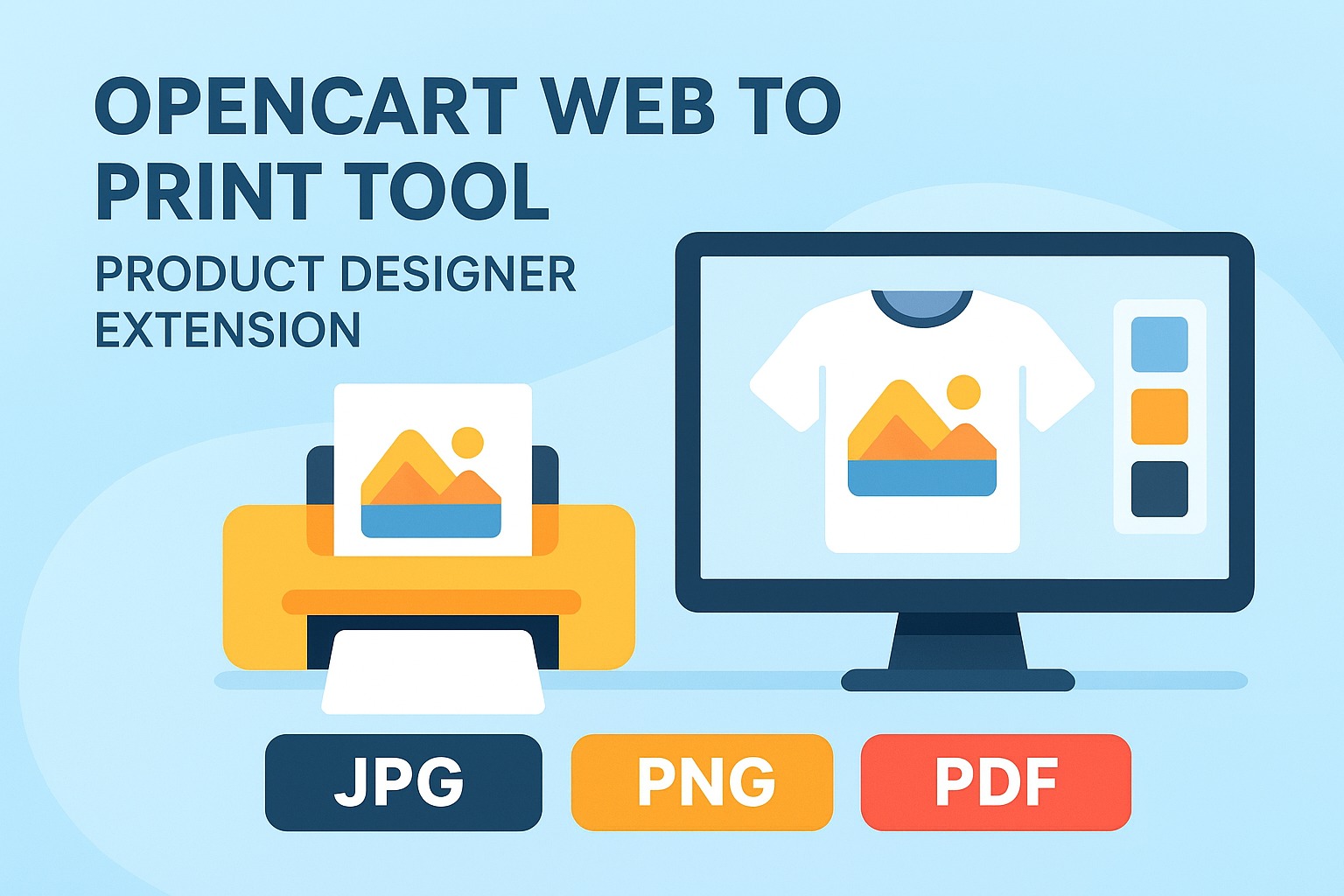
In the modern eCommerce landscape, customers expect more than just products — they seek personalized experiences. Today’s shoppers want to express their individuality, creativity, and style through the products they buy. This growing demand for personalization has transformed how online stores connect with their customers.
That’s where the Purpletree Custom Product Designer Extension for OpenCart comes in. This powerful tool enables customers to design, personalize, and preview their own products directly from your website — making shopping not just convenient, but creative and interactive.
From custom-printed t-shirts and mugs to phone cases and business cards, the extension turns your online store into a creative playground where every customer can become a designer.
What is the Purpletree Custom Product Designer Extension?
The Custom Product Designer is an advanced OpenCart extension that allows customers to customize products directly from your website. With an intuitive design interface and live preview functionality, users can personalize items using text, images, clipart, or even uploaded photos.
Store owners can define which products are customizable, set design areas, and decide what elements users can modify. The result? A smooth, interactive experience that boosts engagement and conversions.
Key Features of the Custom Product Designer: -
Here’s what makes this extension stand out:
- Real-Time Live
Preview
Customers can instantly see their design changes — no need to reload pages. - Upload Custom Images
Users can upload their own photos or logos for truly unique products. - Add and Edit Text
Choose from multiple fonts, colors, and text styles to personalize items easily. - Use Built-In Clipart
and Icons
Give customers access to preloaded design assets to make customization simpler. - Flexible Design Area
Admins can define which parts of a product are editable (front, back, sides). - Save and Edit Designs
Customers can save their designs for later or reorder them in the future. - Seamless Cart
Integration
Designed products are added to the cart with all customization details automatically included.
How Customers Can Use the Custom Product Designer: -
The process is simple and engaging — even for first-time users.
Step 1: Choose a Customizable Product
Customers start by selecting a product marked as “Customizable” — for example, a t-shirt, coffee mug, or phone case.
Step 2: Open the Designer
A “Get Custom Design” button leads to the design interface, where users can personalize the selected item.
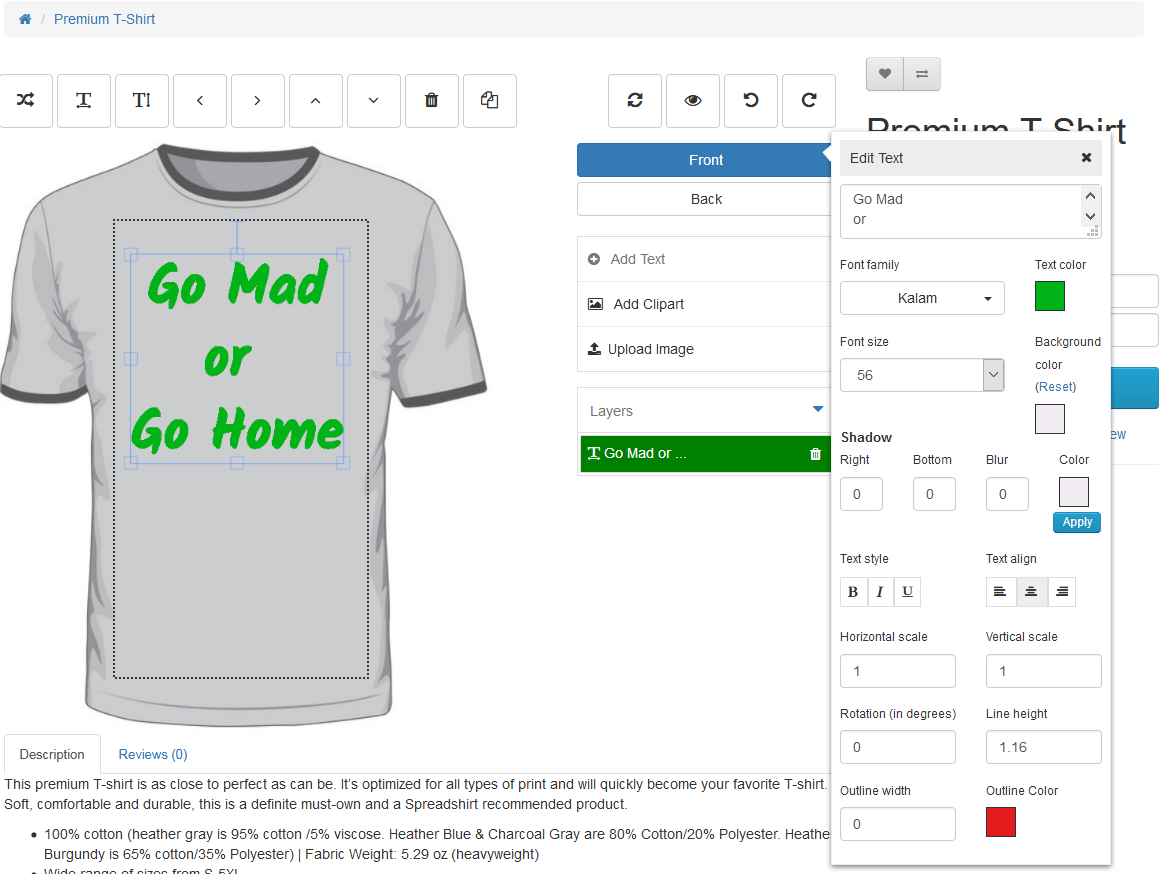
Step 3: Add Text and Images
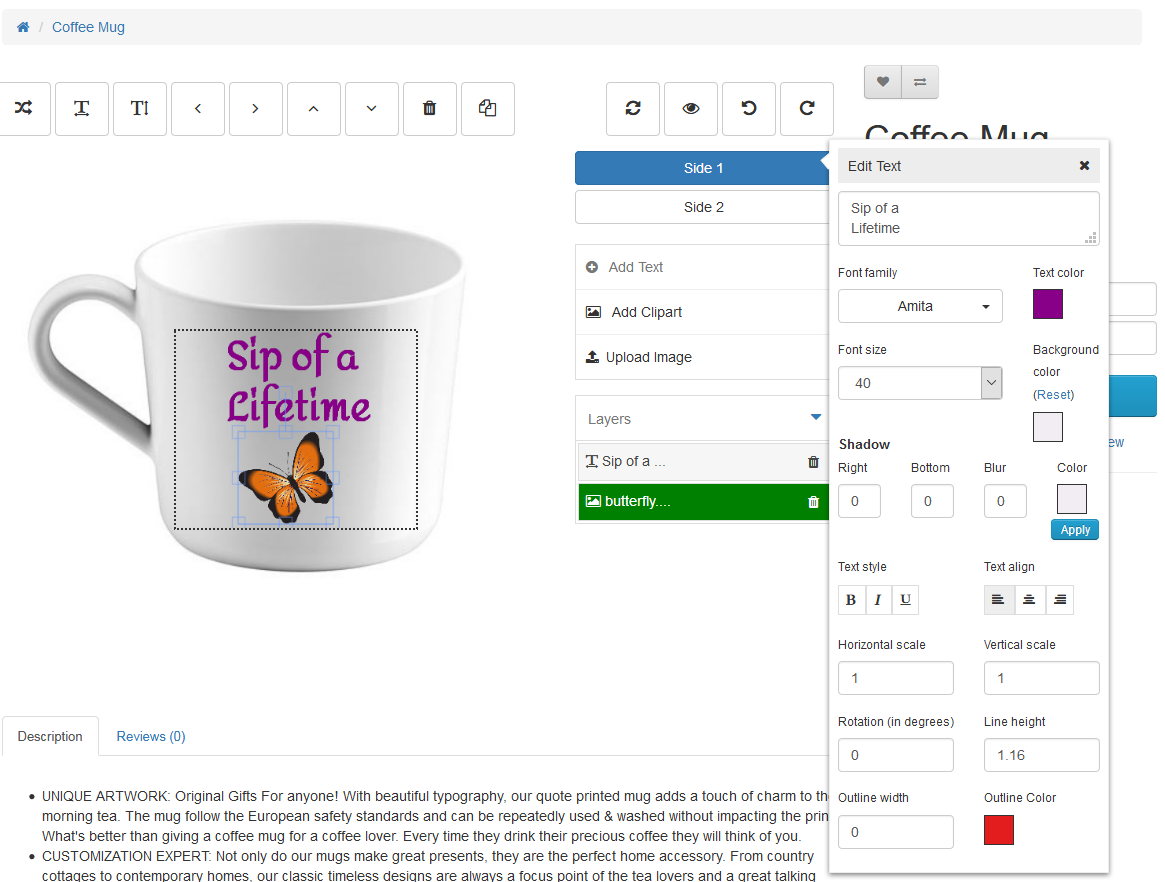
Users can add text, choose fonts, change colors, and upload their own graphics. They can also move, resize, or rotate these elements.
Step 4: Use Clipart and Predefined Designs
For quick edits, customers can choose from ready-made templates, clipart, and design presets provided by the store admin.
Step 5: Preview in Real-Time
The live preview feature updates instantly, allowing users to see how their design looks before adding it to the cart.
Step 6: Add to Cart and Checkout
Once satisfied, customers add the customized product to their cart. All personalization details are stored with the order for easy fulfillment.
Benefits of Using the Custom Product Designer: -
For store owners and customers alike, the benefits are impressive:
💼 For Store Owners
- Increase Engagement: Let customers express creativity and spend more time on your site.
- Boost Sales: Personalized products are often perceived as more valuable, leading to higher conversion rates.
- Enhance Brand Loyalty: Offering customization builds emotional connections with your brand.
- Expand Product Range: Use the same products in multiple creative ways through custom design.
For Customers
- Unique Purchases: Create one-of-a-kind products that reflect personal style or make perfect gifts.
- Instant Visualization: Live preview ensures customers see exactly what they’ll receive.
- Easy to Use: Simple drag-and-drop design tools make customization effortless.
Use Cases: -
The Purpletree Custom Product Designer works beautifully across multiple product types, such as:
- Apparel: T-shirts, hoodies, jackets, or caps with custom logos or messages.
- Drinkware: Mugs, bottles, and glasses featuring photos or company branding.
- Accessories: Phone cases, mousepads, and laptop sleeves with unique graphics.
- Stationery: Business cards, notepads, calendars, and invitations.
- Gift Items: Keychains, photo frames, and decorative items — perfect for personalization.
Final Thoughts: -
The Purpletree Custom Product Designer Extension empowers your customers to transform standard items into personal masterpieces. With its easy-to-use interface, live preview capability, and full integration with OpenCart Extension, it adds both creativity and value to your store.
In a marketplace where personalization drives engagement, this extension is more than a feature — it’s a competitive advantage. Whether you sell fashion, gifts, or corporate merchandise, giving customers control over design means giving them a reason to remember your brand.