How to Configure Purpletree RMA Extension for Magento 2
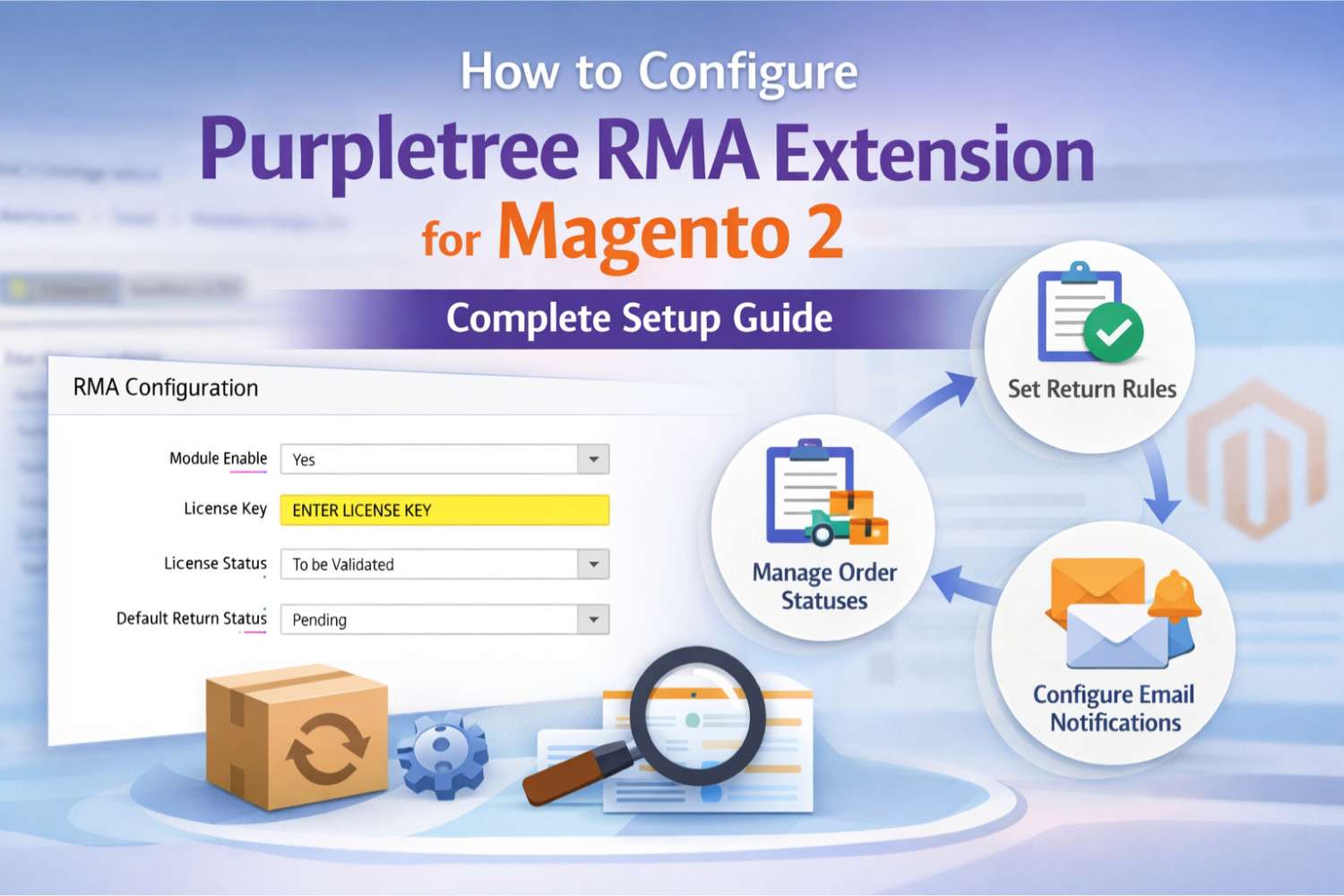
The Purpletree RMA Extension for Magento 2 helps store owners manage product returns, replacements, and refunds smoothly. Proper configuration is important to ensure customers can request returns easily and admins can manage them efficiently.
This guide explains how to configure and enable the Purpletree RMA Extension step by step in a simple way.
Accessing RMA Configuration Settings
To start configuration, log in to your Magento 2 Admin Panel and follow the path below:
Admin Panel Navigation
Return > Settings > Configuration
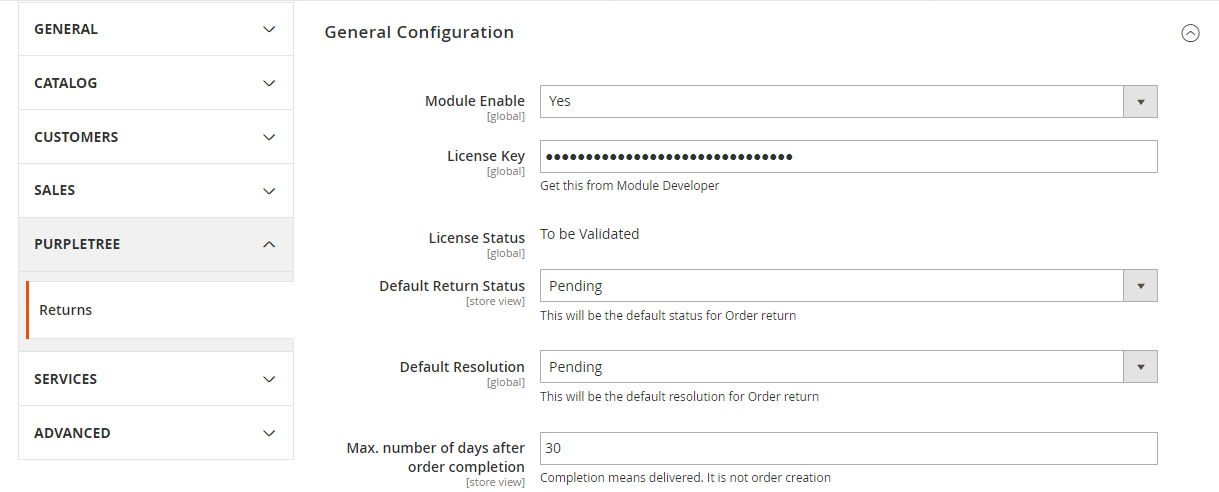
General Configuration Settings
Enable the RMA Module
In the General Configuration section:
- Set Module Enable to Yes
This step activates the RMA extension on your store.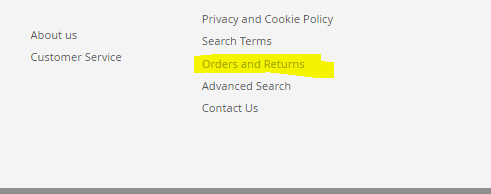
Enter License Key
- Enter the License Key provided with the extension
This is a required field. If you have not received your license key, contact the Purpletree support team.
License Status
- Default status is To be Validated
- The status automatically updates once a valid license key is entered
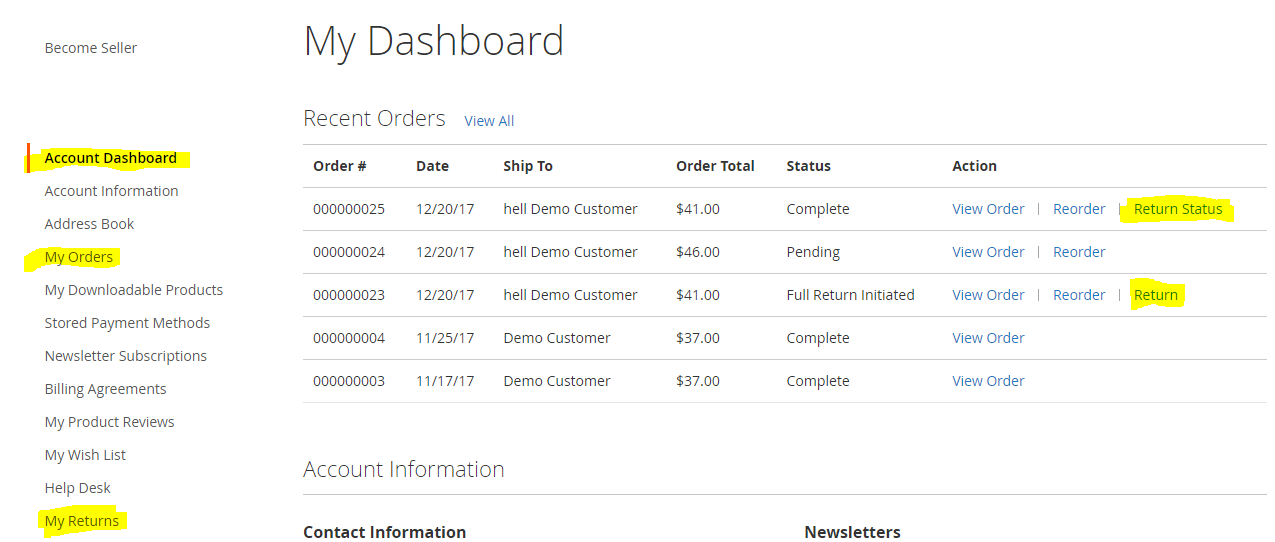
Default Return Settings
Default Return Status
Select a default return status that will be applied to every new return request created by a customer.
Default Resolution
Select a default resolution such as refund, replacement, or store credit for return requests.
Return Request Deadline
Enter the number of days during which a customer can request a return.
- Days are counted from the order shipped date or
- From the last order status change made by the admin
Terms and Conditions
Enter your return policy and terms in this section.
Customers must accept these terms before submitting a return request.
Order Status Configuration
Order statuses help Magento automatically track whether a return is partial or full.
Partial Return Statuses
Partial Return Initiated Status
This status is assigned when only some products from an order are requested for return.
When the admin changes the return request status to Received, this status is applied to the main order.
Partial Return Completed Status
This status is assigned when partial return requests are marked as Completed by the admin.
Full Return Statuses
Full Return Initiated Status
This status is assigned when all products from an order are requested for return.
When the return request status is changed to Received, this status is applied to the main order.
Full Return Completed Status
This status is assigned when the full return request is marked as Completed.
Email Configuration
Email notifications keep both admins and customers informed about return updates.
Admin Email Settings
Admin Notification Emails
Set this option to Yes to send email notifications to the admin.
Admin Email Address
Select the email address where return request notifications should be received.
Emails to Admin on Different Events
Select specific return-related events for which admin emails should be sent.
Customer and Guest Email Settings
Customer/Guest Notification Email
Set this option to Yes to notify customers and guests about return updates.
Emails to Customer/Guest on Different Events
Select the events for which customers or guest users should receive email notifications.
Conclusion
Configuring the Purpletree RMA Extension for Magento 2 correctly ensures a smooth return process for customers and better control for store admins. By setting default statuses, deadlines, order statuses, and email notifications, you can manage returns professionally and build customer trust.
Once configured, the extension works automatically and helps reduce manual effort in handling return requests.