Abandoned Carts Reminder for Opencart
$29
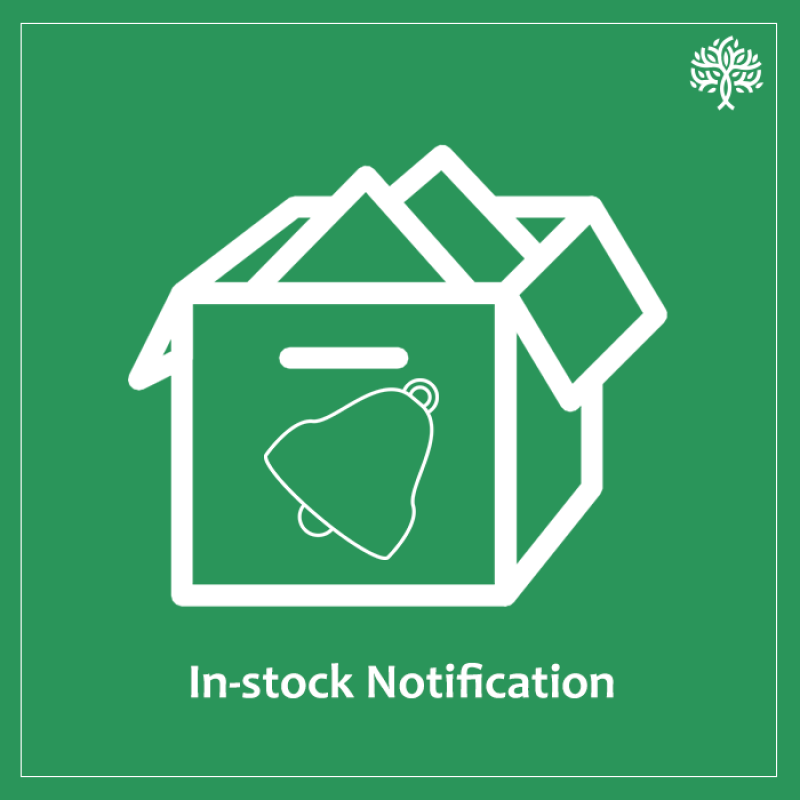
Using this extension, a user can set automatic reminders to get a notification when a product becomes in-stock.
User subscribes to alerts and website automatically sends notification when the subscribed product is again in-store.
User Guide of Plugin
✅ Automatic Button Change for Out-of-Stock Products
When the module is enabled, the ‘Add to Cart’ button automatically changes to ‘Notify Me!’ for products with zero stock.
✅ Instant Customer Notification on Product Restock
Customers who click on ‘Notify Me!’ receive an automatic email notification as soon as the product is available again.
✅ Configurable Admin Settings
The admin can enable the ‘Notify Me!’ option and set ‘Notify Customer’ to ‘Yes’ to activate email notifications.
✅ Works for Both Guest & Logged-in Users
For guest users: The system prompts them to enter an email to receive notifications.
For logged-in users: Their registered email is used automatically.
✅ Improved Customer Retention & Engagement
Instead of leaving due to unavailable products, customers stay connected with the store, returning once the item is restocked.
✅ Boosted Sales & Conversions
Customers who receive stock availability notifications are more likely to return and complete their purchase, leading to higher revenue.
Download the user guide.
In case of any issues, please open a ticket from our helpdesk.
Note: Our extensions have a licensing policy, click here to view the license policy.
Supported Versions: 2.1, 2.2, 2.3 and 3.x