Opencart Product Designer Feature Controls Enable, Disable & Toggle Custom Design Tools
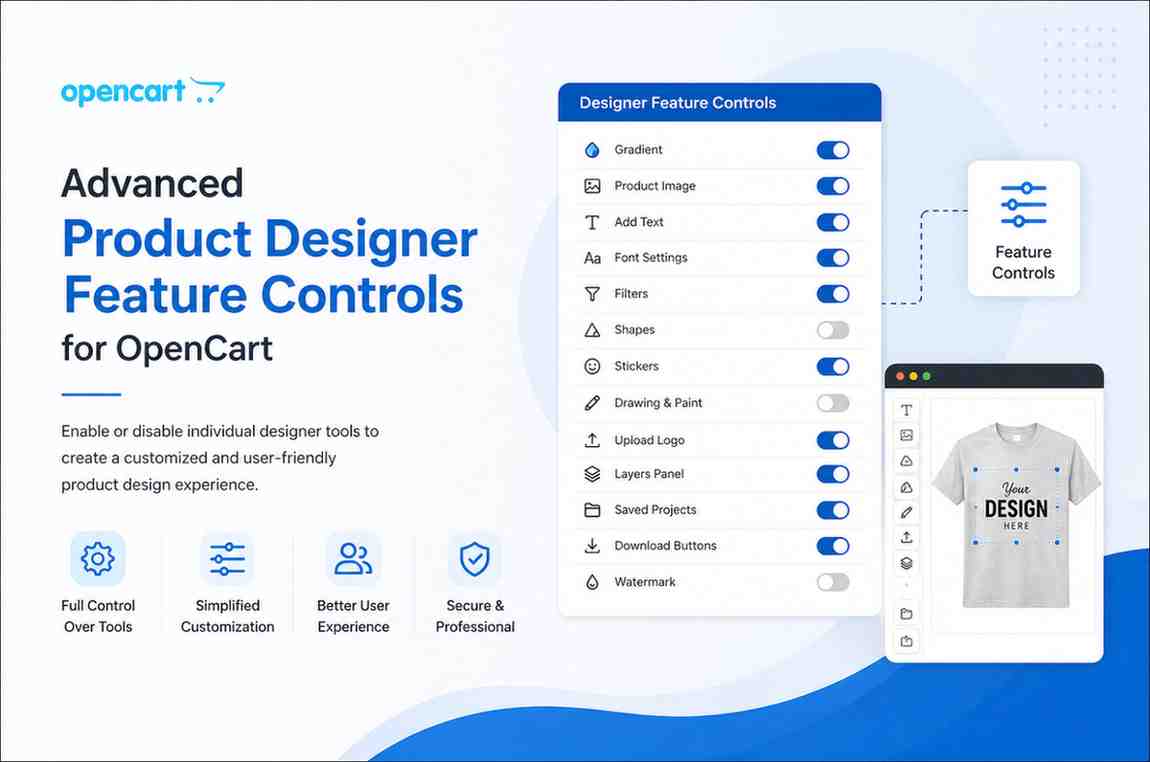
Advanced Product Designer Feature Controls for OpenCart
Build a flexible and controlled product customization experience by enabling or disabling individual designer tools based on your store requirements. Merchants can decide exactly which customization options are visible on the frontend, creating a cleaner and more user-friendly design interface.
These configurable toggles help manage product personalization tools efficiently while keeping the customization workflow aligned with business goals.
More info on the Advanced Product Designer Plugin for Opencart
Available Designer Feature Toggles
Gradient
Enable or disable the Gradient tool.
Product Image
Enable or disable the Product Image option.
Add Text
Enable or disable the Add Text feature.
Font Settings
Enable or disable Font Settings controls.
Filters
Enable or disable Filters in the designer.
Shapes
Enable or disable the Shapes tool.
Stickers
Enable or disable Stickers in the design panel.
Drawing & Paint
Enable or disable Drawing & Paint tools.
Upload Logo
Enable or disable the Upload Logo option.
Layers Panel
Enable or disable the Layers Panel.
Saved Projects
Enable or disable the Saved Projects feature.
Download Buttons
Enable or disable Download Buttons.
Watermark
Enable or disable the Watermark feature.
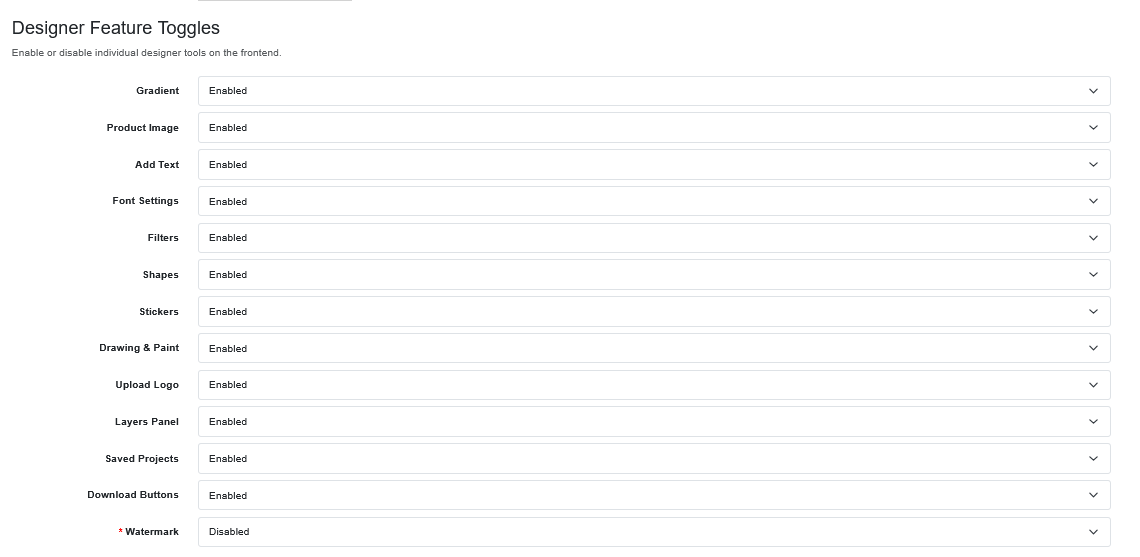
Benefits of Designer Feature Controls
Flexible feature controls simplify the customization process, reduce interface clutter, improve usability, and allow merchants to offer a more focused and efficient design experience for customers.
These controls also support better feature management, cleaner frontend presentation, enhanced design protection, and a more organized product personalization workflow.