Demo of Magento 2 Multi Vendor Marketplace
By Admin
| Apr 16, 2025
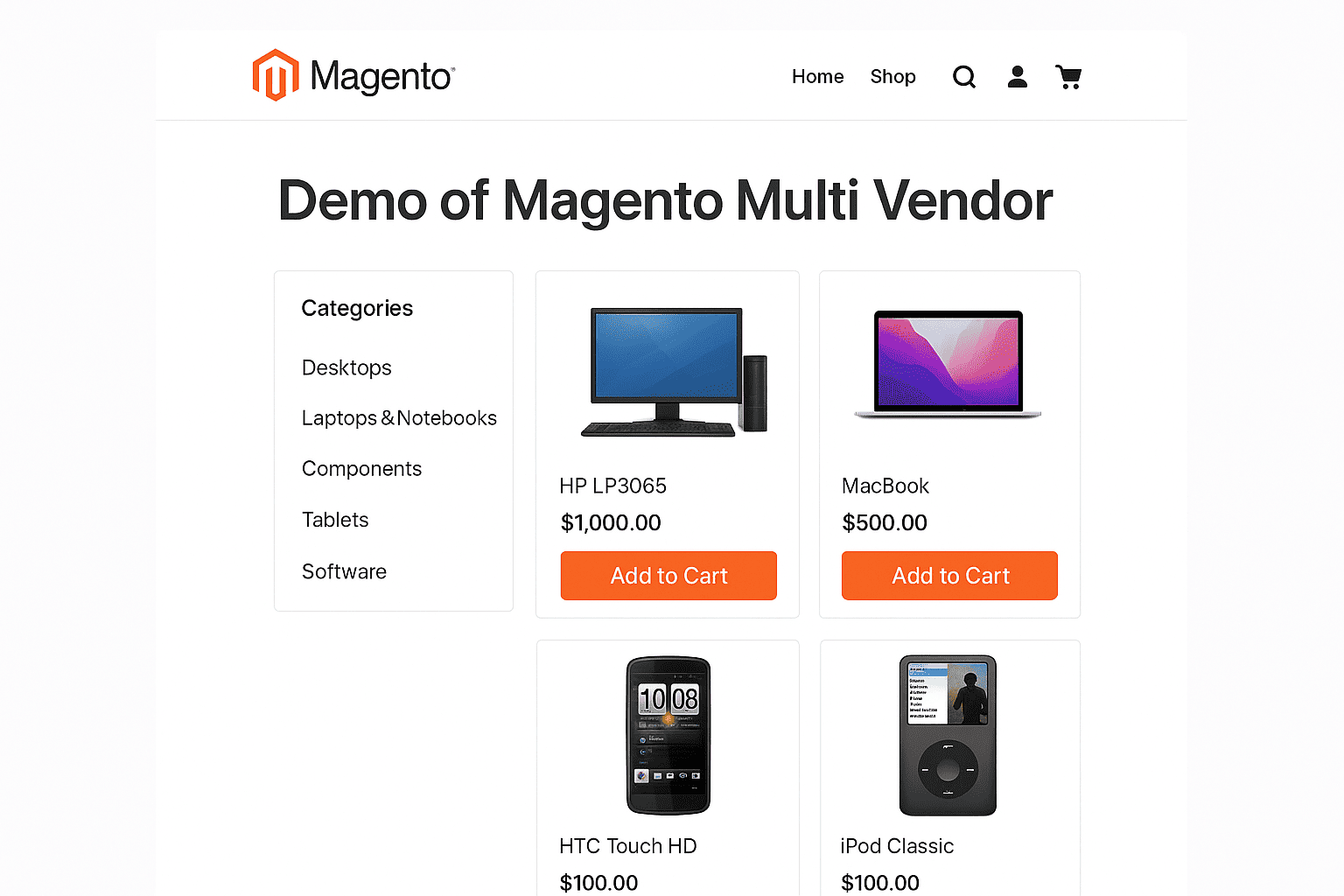
Magento 2 Multi Vendor Marketplace – Live Demo Access
Explore how the Purpletree Multi Vendor Marketplace Extension transforms your Magento 2 store into a feature-rich, fully functional multi-vendor platform. Access multiple panels to experience the full range of capabilities available to both store admins and sellers.
Admin Panel Access
- Link: Admin Demo
- Username: demo_admin
- Password: demoadmin123
Seller Panel Access
- Link: Seller Panel
- Email: roni_cost3@example.com
- Password: roni_cost3@example.com
Frontend Views
- Home Page: View Home Page
- Seller Product Page: View Product
- Seller Store Page: Visit Seller Store
Having Trouble Logging in to Seller Panel?
Due to demo environment cron job restrictions, some users may face login issues. Follow the steps below to resolve them.
For Chrome:
- Open the seller demo link.
- Click the padlock icon in the address bar.
- Go to “Cookies and site data” > “Manage on-device site data.”
- Search for
demo.purpletreesoftware.comand delete it. - Reload the page and try logging in again.
For Firefox:
- Open the seller demo link.
- Click the padlock icon in the address bar.
- Select “Clear cookies and site data…”
- Remove all site data for
demo.purpletreesoftware.com. - Reload and try again.