Abandoned Carts Reminder for Opencart
$29
If you have the Purpletree OpenCart Multi-Vendor Extension and want vendors to manage shipping methods from their seller panel, this extension enables that capability.
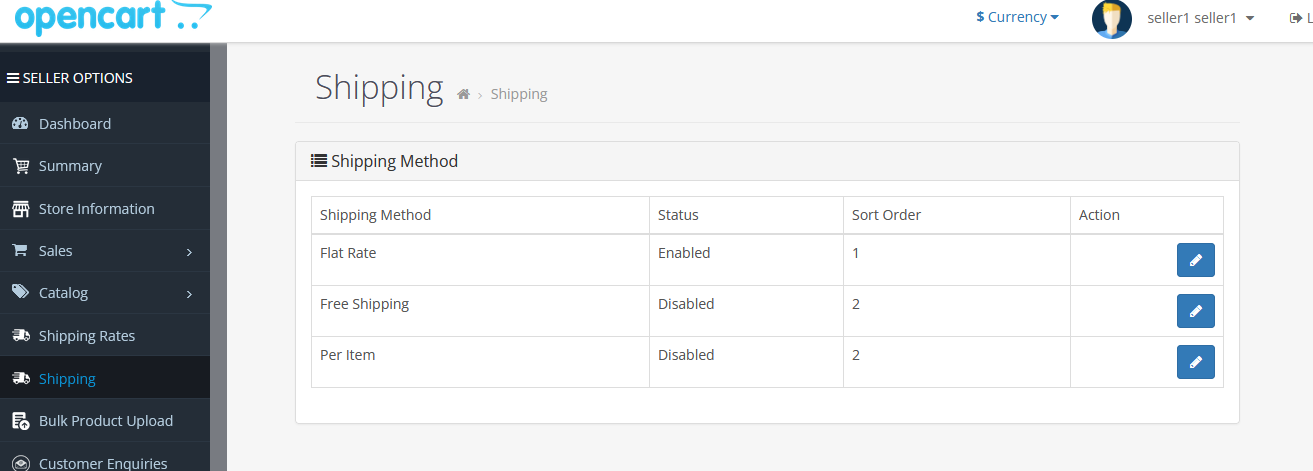
Vendors can directly manage shipping methods from their panel.
These methods are configured in the admin panel and accessed by vendors under "Shipping". Availability and configuration may vary based on the OpenCart version and any additional extensions or modifications installed.
Features may also vary depending on compatibility with the OpenCart core version.
Refer to the User Guide.
Install Guide for OpenCart 4.
This extension requires that you first have the Purpletree Multivendor extension installed.
It works only with the following shipping methods: ec_ship, fedex, flat, free, hitdhlexpress, item, pickup, ups, usps, weight.
The shipping methods will appear in the seller panel under "Shipping" once the admin installs them.
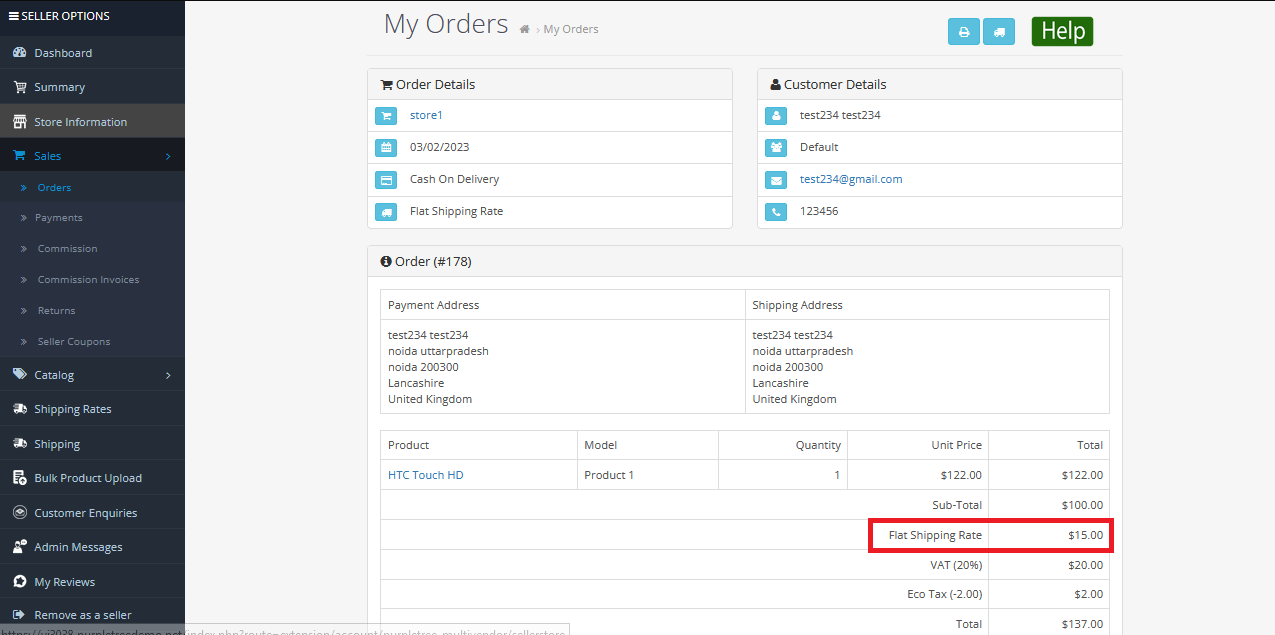
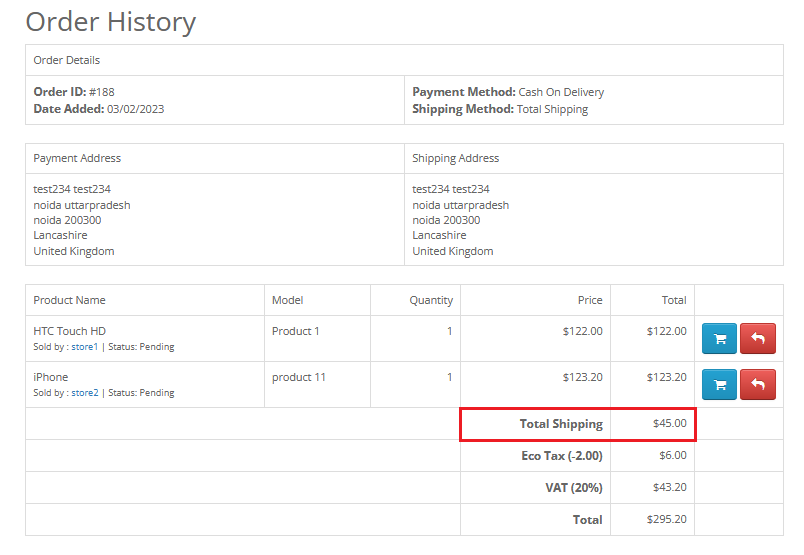
In case of any issues, please open a ticket from our helpdesk.
Note: Check our license policy for extension details.
Few companies are approved as authorized OpenCart partners.
An OpenCart partner offers mature solutions with a proven track record in customer support and product quality.
Our partner profile: click here
Allow vendors to configure and manage supported shipping methods directly from their seller dashboard.
Shipping methods are configured by admin and then made available to vendors.
Installed shipping methods automatically appear under “Shipping” in vendor panel.
Vendors can configure fixed shipping charges per order from their panel.
Allow vendors to offer free shipping based on their delivery conditions.
Vendors can define shipping charges based on product weight ranges.
Enable vendors to manage UPS shipping settings independently.
Allow vendors to configure USPS shipping options from their dashboard.
Vendors can manage FedEx shipping methods if enabled by admin.
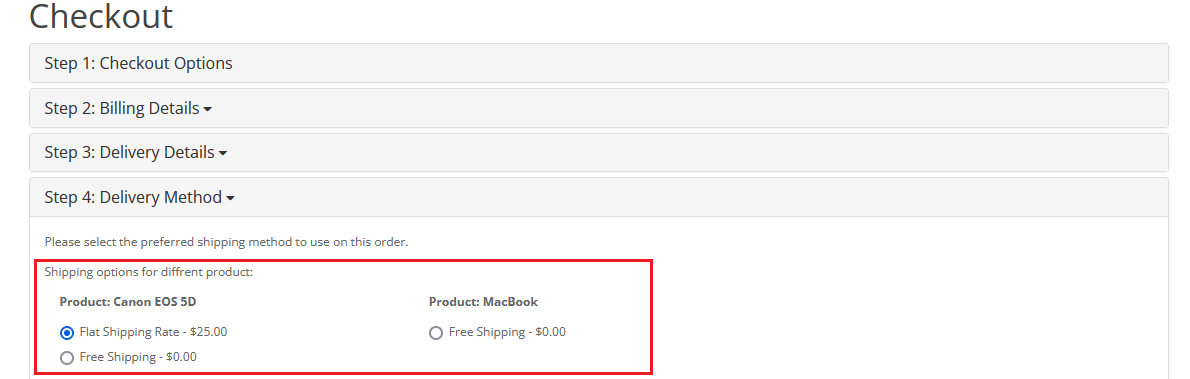
Customers can select pickup option configured by vendor.
Vendors can configure EC-Ship delivery methods when activated.
Supports Hitdhlexpress shipping configuration from seller panel.
Requires Purpletree Multivendor extension to be installed before using this module.
Works only with: ec_ship, fedex, flat, free, hitdhlexpress, item, pickup, ups, usps, weight.
OpenCart 4.x.x.x and 3.x.x.x